A newly discovered Oracle PeopleSoft vulnerability was used to break into university systems and steal data. Here’s what happened, who was affected, and how to better protect your information today.
Table of Contents
What Happened?
According to The Hacker News, the cybercrime group known as ShinyHunters used a previously unknown Oracle PeopleSoft software flaw to break into organizations. The attacks took place between May 27 and June 9, 2026.
The vulnerability, tracked as CVE-2026-35273, affected Oracle PeopleSoft Enterprise PeopleTools. Many universities and large organizations often use this software to manage employee, student, and administrative records.
The flaw allowed attackers to access vulnerable servers over the internet without needing a password or any action from users.
Who Was Affected and What Data Was Accessed?
The full number of affected organizations has not been publicly confirmed.
Researchers from Google’s Mandiant security team said the attackers targeted more than 100 organizations. Most of the affected organizations were colleges and universities in the United States.
The University of Nottingham is one of the first known victims. The university confirmed that data was stolen during the attack.
The stolen information reportedly contained:
- Names
- Email addresses
- Home addresses
- Phone numbers
- Passport numbers
- Information related to ethnicity
- Information related to disabilities
The university said the breach affected both current and former students.
ShinyHunters said victim outreach had only just started. That means more names may become public later.
Passport numbers, addresses, phone numbers, and personal records are highly valuable to criminals. They can use this information in phishing emails, identity theft, impersonation attempts, or fraud schemes.
It is also worth remembering that your information may already have been exposed in other data breaches or data leaks.
Criminals may combine exposed data from different incidents to make their messages or fraud attempts more convincing.
If you are not sure whether your information was leaked online, automatic monitoring can help you spot problems earlier.
Futureproof monitors your data for leaks 24/7 and helps you reduce scam risks with simple, clear steps.
How Hackers Broke Into Oracle PeopleSoft Systems
The attackers exploited a software vulnerability (a security flaw that can be abused by criminals) in Oracle PeopleSoft.
Once inside, they installed remote management tools (software that lets someone control a computer from another location). They then moved through internal systems, collected data, and transferred it outside the affected organizations.
Researchers also found automated scripts (small programs that perform tasks automatically) that helped the attackers search for additional systems and spread through internal networks.
Futureproof scans your data for leaks and shows exactly how to close security gaps — before scammers find them first.
Check my safetyWhat This Breach Shows About Your Personal Data
The Oracle PeopleSoft data breach shows how one software flaw can affect many people at once.
You may never log in to PeopleSoft yourself. But your school, employer, or another organization may store your information in systems like it.
That means your personal data can be at risk even when you did nothing wrong.
This is especially important for students, alumni, employees, and former employees. Old records can still contain useful information for criminals.
Once personal data is leaked, it can remain useful for years. That is why it helps to stay alert after any data breach or data leak.
3 Simple Ways to Better Protect Your Information
You cannot stop every cyberattack, but these simple habits can help protect your personal information:
1. Keep your devices updated
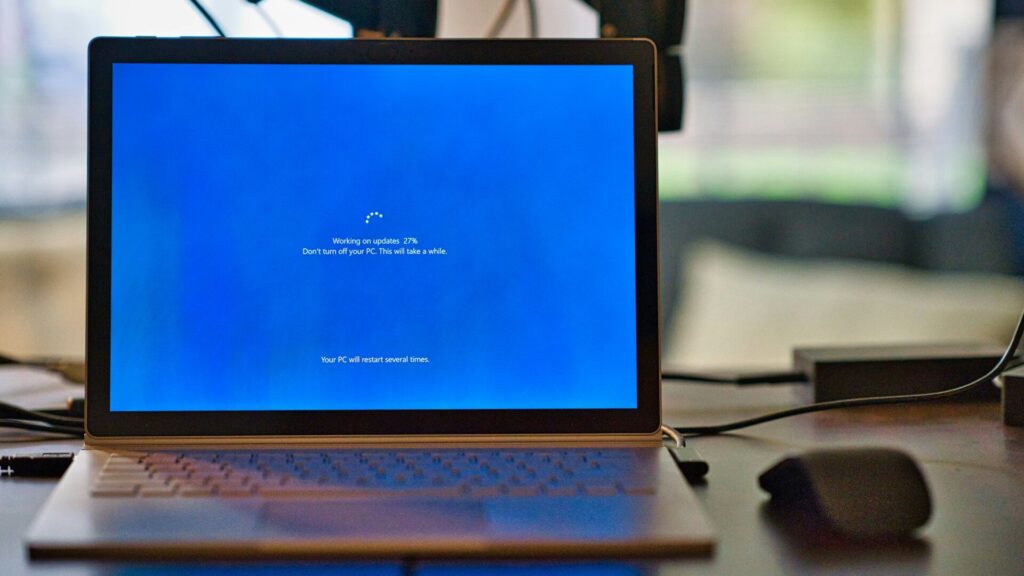
Security updates fix software weaknesses that criminals may try to use. Installing updates quickly helps close those openings.
On most devices, you can find updates in the Settings menu.
- On Windows, open Settings > Windows Update.
- On Mac, open System Settings > General > Software Update.
- On iPhone or iPad, open Settings > General > Software Update > Automatic Updates.
- On Android, open Settings > System > Software update. On Chromebook, open Settings > About ChromeOS > Check for updates.
Turn on automatic updates where available, and restart your device when it asks. This helps finish the update and keeps your protection current.
Verizon’s 2026 Data Breach Investigations Report found that 31% of breaches started with vulnerability exploitation, making software flaws the top entry point in the report. This highlights why installing updates quickly matters.
2. Be careful with identification documents
Passport numbers and other ID details can put you at risk long after a breach.
If you learn that your passport number or another ID number was stolen, contact the agency that issued it. Ask whether you should report the incident, add extra protection, or replace the document.
Taking action early can make it harder for criminals to misuse your information later.
3. Secure your email account
Your email is connected to many other online accounts. If someone gets into it, they may reset passwords elsewhere.
Use a strong, unique password for your email. Then turn on two-step verification. This is an extra security step that asks for a second code when you sign in.
On most email services, you can find this option under Settings, Security, or Account Protection.
If you are not sure how to strengthen your account security, the Futureproof Email Protection tool can help. Email Protection helps you create strong passwords and set up two-step verification to secure your account.
Your Data Can Be at Risk Even Outside Your Own Accounts
The Oracle PeopleSoft data breach is a reminder that personal data often lives in places you do not control.
A university, employer, service provider, or large organization may store your information for years.
That does not mean you should panic. It means you should stay alert, use strong account protection, and watch for unusual messages.
Tools like Futureproof can help you spot data leak risks earlier and take clear steps to protect your account.
The goal is to notice problems sooner, respond faster, and feel more in control of your online safety.

At Futureproof, Kevin explains digital safety in simple words, with clear tips and zero fluff. He holds a degree in information technology and studies fraud trends to keep his tips up-to-date.
In his free time, Kevin plays with his cat, enjoys board-game nights, and hunts for New York’s best cinnamon rolls.