Compare five email data leak checkers that help you see whether your email address is at risk, get alerts about future leaks, and understand what to do next.
Table of Contents
Did you know that email is one of the easiest ways scams reach regular people? In 2024, Americans filed 371,651 fraud reports that started by email, with $502 million in reported losses.
That is why email leak checks should be part of your digital hygiene too. They do not magically stop every threat, but they can help you spot threats earlier and know what to do next.
Below are five email-focused data leak checkers that can help you find risks connected to your email account.
The key things reviewed for each service are:
- Does it check risks linked to an email address?
- Does it offer alerts for future data leaks?
- Does it give clear next steps?
- Is it simple enough for regular people, not only security experts?
Quick Comparison: Top 5 Email Data Leak Checkers
| Service | Best for | Alerts | Main strength | Main limitation |
| Futureproof | People who want email leak alerts plus simple account-protection steps | Yes | Combines monitoring with plain-language guidance | Newer/less established than older public checkers |
| Have I Been Pwned | Fast email breach checks | Yes | Huge public breach database and free notifications | Less hand-holding for non-technical users |
| Mozilla Monitor | People who want a guided breach report | Yes | Easy explanations and guided steps | Uses Have I Been Pwned database to track compromised accounts |
| Avast Hack Check | Simple email/password leak check | Limited alerts. Broader monitoring via paid Avast products | Very beginner-friendly and easy to use | Limited protection pushes users toward broader paid tools |
| XposedOrNot | Free email breach search with real-time alerts | Yes | Free, open-source email breach alerts | Interface may feel more technical than consumer security brands |
Futureproof: Best for Simple Email Leak Checks and Clear Next Steps
Futureproof solves a practical problem: most people do not know what to do when they learn their email account may be at risk.
A lot of checkers can tell you that your email appeared in a data leak. That is useful, but it often leaves you with the harder question: what should you do next?
- Should you change your email password, the password for the leaked website, or every password you have?
- Should you turn on two-factor authentication?
- Is the leak serious, or is it something you can fix in a few simple steps?
Futureproof understands this problem.
That’s why they have a dedicated support team ready to answer questions and solve your problems 24/7. You can reach out to their security specialist, and they’ll explain what happened and what to do next in simple, human English.
So instead of having to figure out a scary alert, you get clear guidance from professionals.
What Futureproof Does
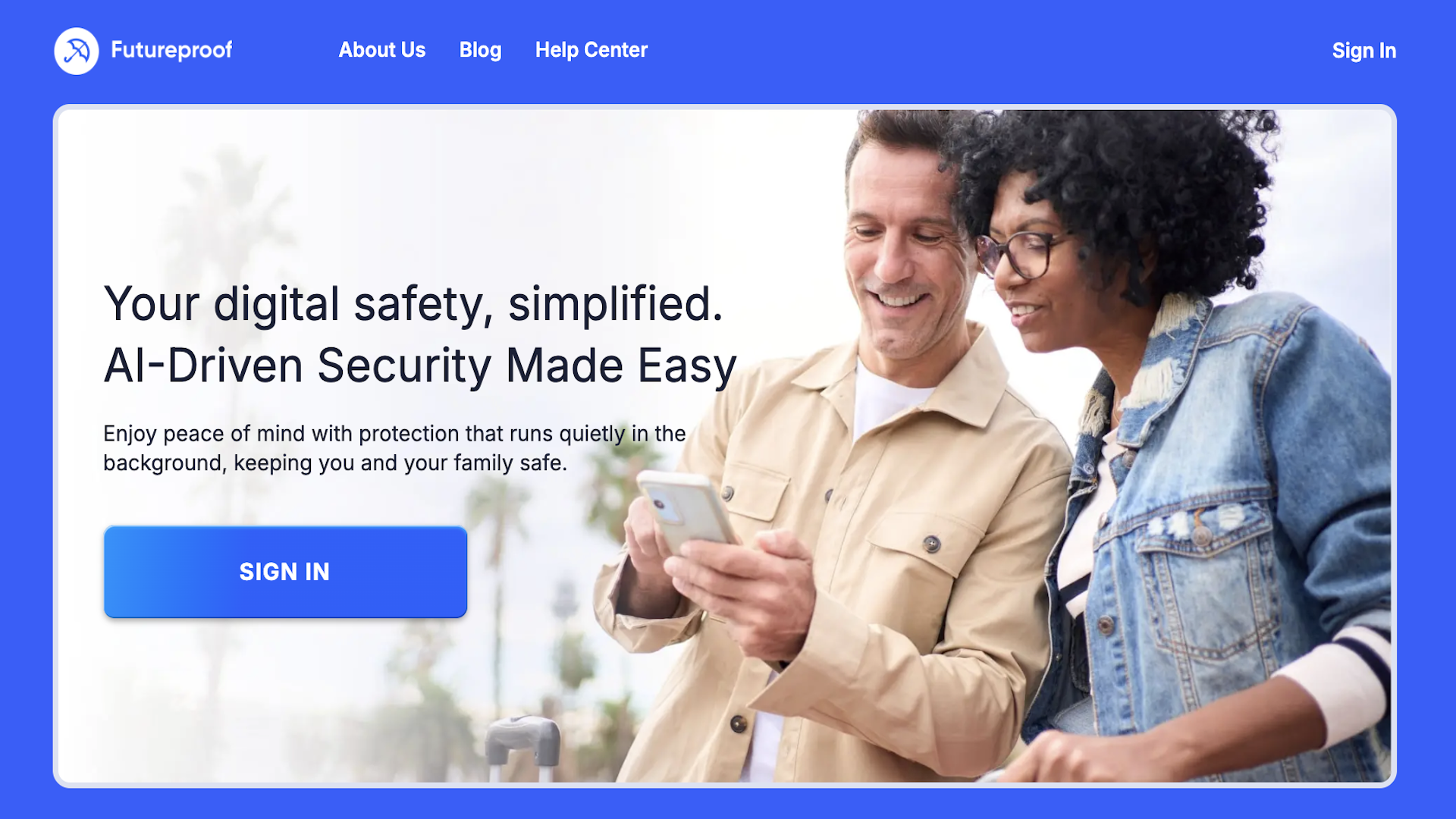
Futureproof checks email accounts for data leaks 24/7 and sends alerts when an email account may be at risk. Their main value is not only detection, but also support.
Users get guidance from security specialists on what to do after a leak, including how to create stronger but memorable passwords and how to set up 2FA (two-factor authentication).
That makes Futureproof useful for people who do not want a technical dashboard full of security terms. It is closer to a guided safety tool than a raw data leak database.
Futureproof keeps your data safer with simple guidance to set a strong password, turn on 2-step verification, and lock down your account.
Check my safetyPros
1) It focuses on what regular people actually need
Most users do not want to decode data leak terminology. They want to know: Is my email at risk? Which account should I fix? What step should I take now?
Futureproof’s biggest advantage is that it connects alerts to practical action.
2) It offers ongoing monitoring, not just a one-time check
A one-time scan is helpful, but leaks can appear later. If you check today and your email looks fine, that does not guarantee it will stay that way.
Ongoing monitoring is more useful for people who want to know when their safety changes.
3) It explains password and 2FA steps in simple language
This matters because “turn on 2FA” sounds easy until you open account settings and see security keys, authenticator apps, backup codes, recovery emails, and login prompts.
Futureproof’s value is in making those steps feel doable with the help of their support team.
Cons
1) It is less publicly established than older data leak checkers
Have I Been Pwned, Mozilla Monitor, and similar tools have years of public visibility. Futureproof is a young service, but it does its job well. So if you’re asking: “Is Futureproof legit?”, the answer is yes.
2) Users may still need outside instructions for specific platforms
Changing a Gmail password, setting up 2FA on Facebook, and securing an Outlook account all involve different steps. These account-specific instructions can also change over time.
But if you need help with these steps, you can contact Futureproof’s support team and get help from a digital expert anytime.
3) It does not remove leaked data from the internet
This is true for most leak checkers. Their value is detection and response, not deletion. Users should understand that an alert means “act now,” not “the leak has been fixed for you.”
Futureproof: The Takeaway
Futureproof is best for people who want email leak monitoring with clear, human guidance. It is a strong fit for regular users who do not want to read security forums or guess what to do after a data leak alert.
Have I Been Pwned: Best for Fast, Trusted Email Breach Checks
Have I Been Pwned is one of the well-known email breach checkers online. It lets users check if their email address appears in known data breaches. As of the current official page, their database lists 991 pwned websites and more than 17.5 billion pwned accounts.
Its strength is simple: enter an email address, see if it appears in known breaches, and sign up for alerts if that email appears in future breaches.
What Have I Been Pwned Does
Have I Been Pwned checks if an email address has appeared in data breaches loaded into its database. It also shows paste records, which are cases where data ends up in text-sharing sites or public dumps.
Users can sign up for breach notifications, verify their email, and receive alerts when that email appears in new breaches.
Pros
1) It is one of the most trusted public breach checkers
HIBP is popular among individuals, companies, and security teams. It is often the first place people go when they want to check if an email address appeared in a breach.
2) It is fast and direct
You enter an email address and get a clear result. That makes it useful for people who want a quick answer.
3) It offers free breach notifications
Users can sign up to get notified when their email address appears in new data breaches. The setup requires email verification, which also prevents people from secretly monitoring someone else’s inbox.
Cons
1) It may feel too bare-bones for non-technical users
HIBP gives useful breach details, but it does not always feel like a step-by-step recovery guide. Some people may still wonder which password to change first, whether to close an account, or how serious a breach is.
2) It cannot show every breach in the world
No leak checker really can. Some breaches are private, undiscovered, not verified, or never added to public databases.
3) Sensitive breach results may require verification
For privacy reasons, HIBP does not publicly show certain sensitive breach results unless the user verifies ownership of the email address. That is good for privacy, but it can add an extra step.
Have I Been Pwned: The Takeaway
Have I Been Pwned is best for people who want a trusted, fast, free email breach check. It is especially useful for users who are comfortable reading breach details and taking action themselves.

Mozilla Monitor: Best for Guided Breach Reports From a Familiar Brand
Mozilla Monitor is Mozilla’s data breach notification service. It lets users enter an email address, scan for breach exposures, and get guidance on how to fix them. Mozilla says breach monitoring protection is free and that it continuously monitors and sends alerts for new breaches.
Mozilla Monitor uses the Have I Been Pwned database to track known breaches and notify users if online accounts are at risk.
What Mozilla Monitor Does
Mozilla Monitor shows what kinds of information may be at risk and provides steps to resolve exposures. It can also send alerts for future breaches.
Mozilla’s own support page describes it as a breach notification service that warns users if their online accounts are a part of a data leak.
Pros
1) It is easier to understand than many raw breach checkers
Just like Futureproof, Mozilla Monitor is useful for ordinary users. Their language is more explanatory, and the product guides people through what happened and what to do next.
2) It offers ongoing breach alerts
Users can sign up for monitoring and receive alerts when new breaches affect their email. Mozilla says users need a Mozilla account to get alerts and a detailed report, but anyone can do public email searches without signing up.
3) It explains why old breaches still matter
This is important because many people ignore old leaks. Mozilla explains that credentials exposed years ago can still appear later and that reused passwords can put other accounts at risk.
Cons
1) It relies on Have I Been Pwned as its breach source
That is not necessarily bad, but it means Mozilla Monitor is not completely independent as a breach checker. If you already use Have I Been Pwned, some results may overlap.
2) It is not email-only
Mozilla Monitor may show other exposed information connected to a breach, such as passwords, contact details, or financial information. For users who want an email-account-only tool, this may feel broader than needed.
3) Detailed reports and alerts require an account
A basic scan is simple, but ongoing alerts and detailed reports require sign-up. Some users may prefer tools that do not ask for an account.
Mozilla Monitor: The Takeaway
Mozilla Monitor is best for people who want a more guided experience than Have I Been Pwned but still want a free, recognizable service.
Avast Hack Check: Best for a Simple Email Password Leak Check
Avast Hack Check is a free tool that checks if email accounts are at risk of a data leak. The tool is for users who want a simple answer without learning security terms.
What Avast Hack Check Does
Avast Hack Check checks if your email data is a part of a leak and sends a private report to users’ inbox. Avast says the tool can show if accounts such as LinkedIn, Facebook, X, email, or others are safe or need protection.
Pros
1) It is very beginner-friendly
The tool is easy to understand: enter your email, get a report, and change passwords if needed. It does not require the user to understand tech terms.
2) It focuses on leaked login details
Avast frames the risk around leaked login details and compromised online accounts, which is directly relevant to email account safety.
3) It connects the result to password action
Avast explains that users should change passwords if their accounts are at risk and avoid reusing passwords.
Cons
1) It is a pathway into Avast’s broader paid products
The free check is useful, but Avast’s stronger monitoring is part of BreachGuard, which includes broader personal data monitoring, data broker removal, privacy advice, and identity support..
2) The report-by-email format may not suit everyone
Some users may prefer instant results on the page. Others may not want another security-related email in their inbox.
3) It may feel less transparent than open public breach databases
Compared with Have I Been Pwned, Avast does not give the same public database-style experience. Users get a simpler report, but less independent detail.
Avast Hack Check: The Takeaway
Avast Hack Check is best for people who want a simple, familiar, non-technical email leak check and do not mind receiving the report by email.
XposedOrNot: Best Free Email Breach Alerts for Users Who Want More Transparency
XposedOrNot is a free data breach search engine that lets you check if your email address is in a data breach. It also offers free real-time breach alerts and says the project is open source.
It is less of a household name than Mozilla or Avast, but it has useful features for people who want email breach monitoring without paying for a full identity protection product.
What XposedOrNot Does
XposedOrNot lets users enter an email address and instantly check it against known breaches and leaks. It also offers 24/7 monitoring and says it notifies users immediately if their email appears in a new breach.
The service also says it does not log search queries or store results.
Pros
1) It offers free breach alerts
Some tools give a free one-time scan and reserve ongoing monitoring for paid plans. XposedOrNot says users can set up free alerts for new breaches.
2) It gives practical next steps
The site advises users to change the breached account password, change reused passwords elsewhere, and turn on two-factor authentication where possible.
3) It is transparent about being open source
For users who care about transparency, open-source positioning can be a plus. It may also appeal to more security-conscious readers.
Cons
1) It may feel more technical than other tools
Regular users may find Mozilla Monitor or Avast Hack Check easier to trust at first glance because those brands are more familiar.
2) It may show more data than expected
Risk scores, breach details, password tools, domain tools, and other features can be useful, but they can also make the experience feel less simple.
3) It’s not as widely known as other big brands
XposedOrNot has useful email breach checking and alert features, but it is less popular as Mozilla, Avast, or Have I Been Pwned. Some readers may need some time before they feel comfortable using it.
XposedOrNot: The Takeaway
XposedOrNot is best for users who want a free email breach checker with alerts and do not mind a slightly more technical experience.
The Bottom Line: Which Email Data Leak Checker Should You Choose?
There is no single perfect tool for everyone when it comes to email account protection.
If you want a well-known public breach checker, Have I Been Pwned is your choice.
Looking for a more guided experience from a privacy brand? Mozilla Monitor is a good option.
If a simple email/password leak check is what you need, consider Avast Hack Check.
XposedOrNot is best as a free email breach checker with real-time alerts and transparency.
If you want email leak monitoring 24/7, simple steps for protecting your account and access to specialists when you need help, Futureproof is the most practical option — especially if you do not want to figure everything out alone.

At Futureproof, Kevin explains digital safety in simple words, with clear tips and zero fluff. He holds a degree in information technology and studies fraud trends to keep his tips up-to-date.
In his free time, Kevin plays with his cat, enjoys board-game nights, and hunts for New York’s best cinnamon rolls.