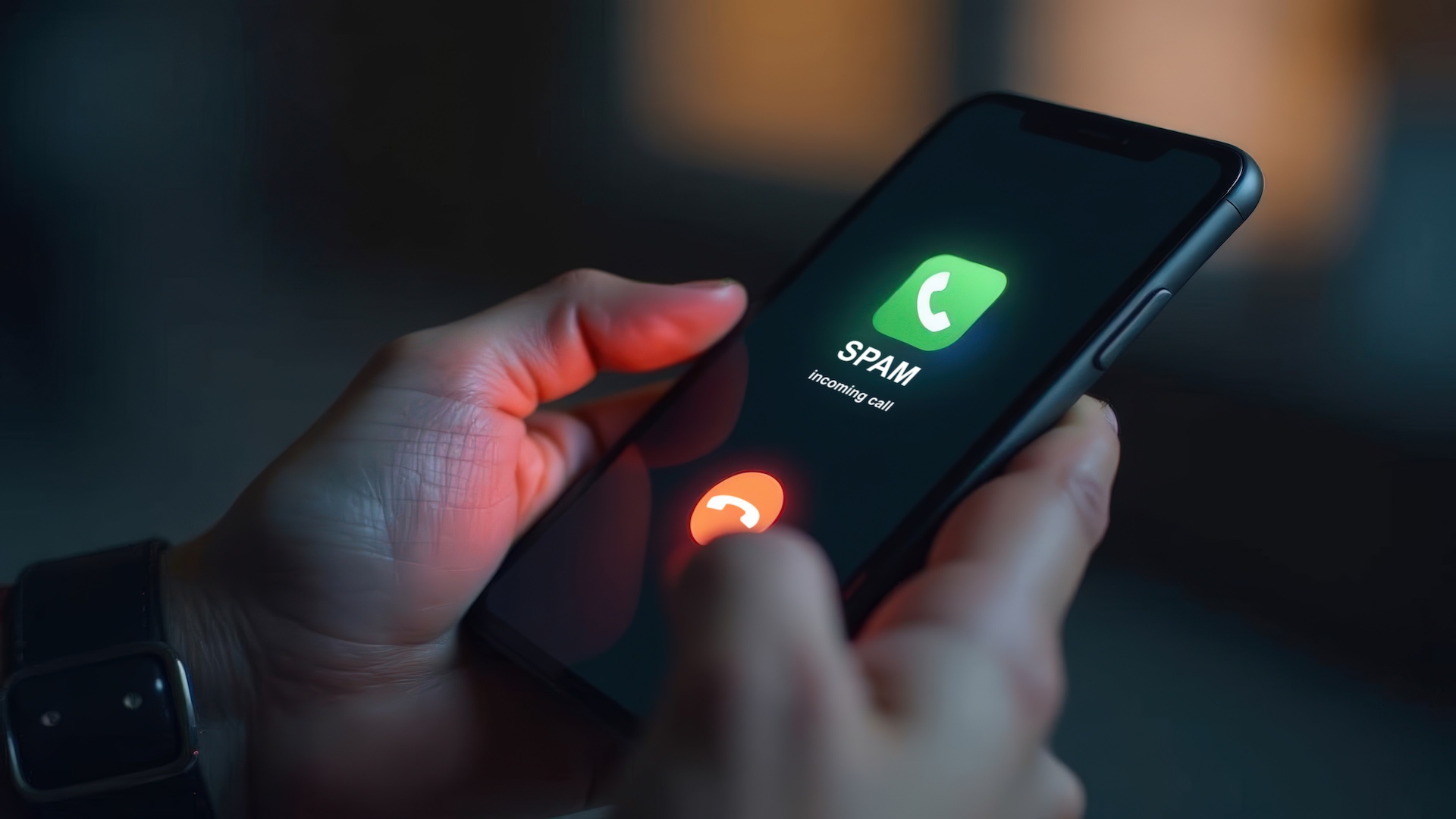
Spam calls don’t stop just because you block numbers — they keep coming from new ones. Here’s what actually reduces them and how to make your number harder to target.
Table of Contents
Remember when blocking one number used to fix the problem of annoying calls? You just clicked “Block,” and life went back to normal.
Today, getting rid of spam calls feels like a challenge.
That’s because spam callers don’t rely on one phone number anymore. Instead, they rotate thousands of them, and some even copy real local numbers so the call looks familiar.
If your phone keeps ringing no matter how many numbers you block, the real problem is how your number is being used behind the scenes.
This article focuses on what helps reduce spam calls, and how to get fewer of them.
What’s Really Causing Spam Calls
U.S. consumers received 52.5 billion robocalls in 2025 — almost the same level as 2024, which had 52.8 billion. This makes spam calls a daily, large-scale problem, not just an occasional annoyance.
So before stopping spam calls, you need to understand their root cause.
1. Your number is on a huge call list
These lists are bought and sold between scammers and marketers. Your number can end up there when you:
- Sign up for “free” offers or quizzes
- Enter your number on unfamiliar websites
- Answer a spam call (this confirms your number is active)
Once your number is marked as “responsive,” it gets reused.
2. Robocall systems don’t use one number
Robocall systems use software that generates new numbers constantly. That’s why blocking feels useless — you’re always one step behind.
Even when you block today’s number, the next call can come from a completely different number.
Futureproof scans your data for leaks and shows exactly how to close security gaps — before scammers find them first.
Check my safety3. Caller ID can be fake
The number you see on your screen is often not real. Scammers can make it look like:
- A local number
- A bank or company
- Even your own number
So blocking that number doesn’t stop the next call you may get.
4. Your information may already be circulating
If your phone number was part of a data leak, it can be used repeatedly across different campaigns — calls, texts, scams.
This is the same pattern seen with passwords: once data is exposed, it keeps getting reused in new ways.
If you’re not sure whether your data has already been leaked but want to find out, you can do this easily with Futureproof. It helps you stay informed about your digital safety, while the tool monitors your data 24/7 and warns you about potential risks.
Why Blocking Numbers Fails (And Will Keep Failing)
Blocking spam calls only treats the symptom, not the system. There are several reasons for this:
- It only stops one number, not the network behind it
- It doesn’t prevent your number from being reused
- It doesn’t stop spoofed calls (when scammers fake or copy real phone numbers to make the call look real)
- It can even make things worse if you answer (you confirm you’re a real person)
That’s why people who block dozens of numbers still get many spam calls.

What Actually Helps to Stop Spam Calls: 7 Steps
These steps reduce the root cause of spam calls instead of just one call at a time.
1. Stop answering unknown calls completely
Yes, answering is the first instinct (what if it’s serious?). But not answering is the fastest way to reduce spam over time.
Because when you answer, a few things happen:
- Your number gets marked as active
- You may be added to more lists
- You signal that calls are worth continuing
Instead, just let unknown calls go to voicemail. Real callers will leave a message if they need to get in touch. Scammers won’t.
Try this for 1–2 weeks and you’ll see a noticeable drop in spam calls.
2. Turn on built-in spam filtering (most people skip this)
Both iPhone and Android already have tools that many people never activate.
On iPhone:
- Go to Settings → Phone
- Turn on Silence Unknown Callers
This sends unknown numbers straight to voicemail.
On Android:
- Open Phone app
- Settings → Spam and Call Screen
- Turn on spam filtering
Such tools use constantly updated databases, which means they can recognize and stop known spam numbers automatically before your phone even rings.
Instead of you blocking one number at a time, the system checks each incoming call against thousands of reported spam patterns and blocks or filters them in real time.
3. Register your number on an official “Do Not Call” list
In the U.S., the National Do Not Call Registry is run by the FTC. It stops most legal telemarketing calls and gives you the right to report violations.
However, it does NOT stop scammers (they ignore laws). But it removes a large portion of marketing calls so you’re left with fewer overall interruptions.
4. Report spam calls (this matters more than you think)
Reporting helps phone carriers and authorities track patterns and block them at scale.
Where to report:
- FTC (in the U.S.)
- Your mobile carrier’s spam reporting system
Your phone provider (like Verizon, AT&T, or T-Mobile) tracks spam activity across its network.
When you report a call, you’re not just blocking it for yourself — you’re helping the carrier recognize patterns and stop similar calls for many people.
To report a spam call: Open your Phone app → Go to Recent calls → Tap the number → Select “Report spam” or “Block & report” (the wording may vary).
This sends the number to your carrier’s system.
It takes a minute, but it contributes to wider blocking systems that protect others too.
5. Remove your number from public and risky places
If your number is easy to find, it gets reused more often.
Check this:
- Old social media profiles
- Business listings
- Forums or comment sections
- Random sign-up pages you’ve used
If possible, remove or limit visibility. Also avoid entering your number unless it’s truly necessary.
6. Use a secondary number for sign-ups
This is one of the most effective long-term strategies.
Instead of giving your main number everywhere:
- Use a second number from apps like Google Voice (download the app and choose a new number)
- Use it for deliveries, sign-ups and promotions
If that number gets spammed, your personal number stays clean.
7. Don’t interact with spam calls at all
Even pressing a button can backfire.
Avoid:
- Pressing “1” to talk to someone
- Saying “yes” or “no”
- Following any instructions
Some systems record responses or mark your number as active. The safest move is zero interaction.
What About Call-Blocking Apps?
They can help, but they don’t cover full protection.
Good apps:
- Use large spam databases
- Update in real time
- Filter before your phone rings
But they don’t stop spoofing completely, and they can’t remove your number from lists.
Treat them as an extra layer, not the solution.
Break the System: Make Your Number Useless to It
Spam calls won’t disappear from your life, but they will slow down when your number stops being “useful.”
That happens when you don’t answer unknown calls or interact with them, and when your number is hard to collect or confirm.
Remember: spam calls are always intentional. Once you change how your number behaves, the pattern changes too.

At Futureproof, Kevin explains digital safety in simple words, with clear tips and zero fluff. He holds a degree in information technology and studies fraud trends to keep his tips up-to-date.
In his free time, Kevin plays with his cat, enjoys board-game nights, and hunts for New York’s best cinnamon rolls.