Scams rarely look suspicious anymore. They can appear as a normal online shop, a familiar text message, or a call that seems completely real.
Control+ says it catches these threats automatically before they cost you money. But how well does it actually protect regular users, what do you get for the price, and is there a better alternative?
This review looks at Control+ features, pricing, limitations, and how it compares with Futureproof.
Table of Contents
What Is Control+?
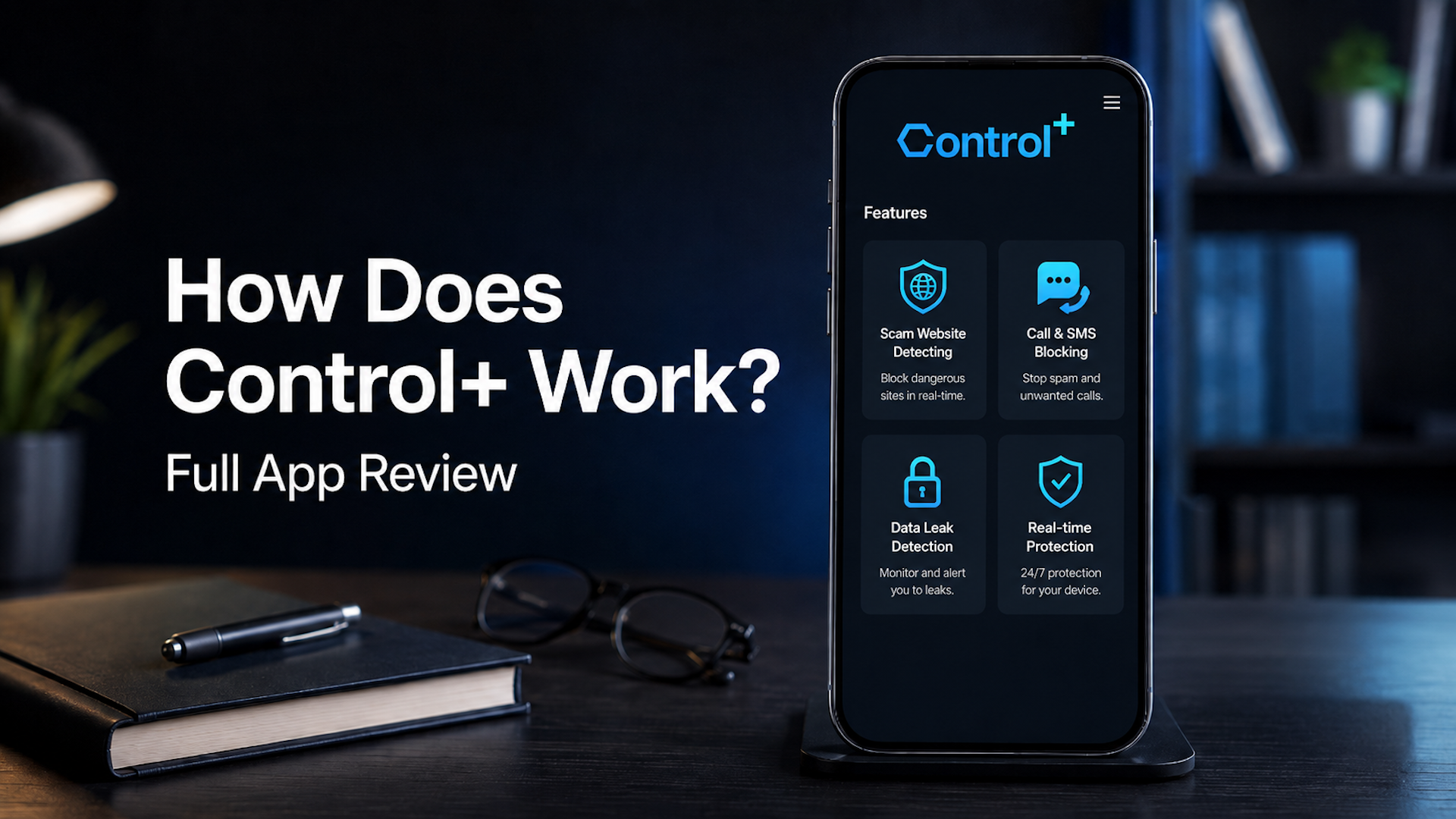
Control+ is an anti-scam app built primarily for mobile (iOS and Android) that’s designed to protect you from financial fraud while shopping online, block scam calls and texts, and detect data leaks.
It’s aimed at everyday users who want protection without having to understand how it works — set it up, and it runs automatically in the background.
They claim over 1.5 million users protected and say their fraud detection is built on 127 AI models trained on more than 4 million websites.
Control+ Key Features
- Scam website detection — checks sites before you enter payment details, flagging fraudulent online shops and fake checkout pages
- Data leak detection — monitors for exposures of your personal information
- Scam call and SMS blocking — filters out known spam numbers and suspicious texts before they reach you
- Real-time automated protection — runs 24/7 without manual input after setup
- Free risk assessment — a short quiz to check whether you might already have been hacked
- Multi-person coverage — up to 4 people can be added to one account
- Online support — available via chat and email
Control+ Pricing
The company does not display pricing clearly on its website — you have to go through a quiz to see subscription options. In general, they have several pricing options:
| Subscription period | Price |
| 1 month | $19.99 |
| 3 months | $39.99 |
| 12 months | $99.99 |
Note that you should cancel Control+ subscription through the same platform you used to buy it.
Apple and Google Play subscriptions are managed through these stores, while subscriptions bought on the Control+ website should be canceled directly in the app.
Control+ Pros and Cons
Pros
- Easy to set up — takes around two minutes and then works automatically
- Covers multiple people on one account, which is good for families
- Focuses on an important risk: getting scammed when shopping or via phone
- Free risk assessment gives you a starting point before committing
Cons
- Pricing is not shown on the website. You only see it after going through a signup flow, which frustrates users expecting transparency
- Multiple billing complaints on Trustpilot, including users charged after cancellation and difficulty getting refunds
- Some App Store reviewers report the app shows a scanning animation but does nothing until you pay — despite ads suggesting some functionality is free
- Protection is automated, but reaching out to their support team may take more time than you’d expect
- Features appear limited to US users in some markets, with international users (Belgium, for example) reporting confusion on Trustpilot about what they actually get access to
A Simpler Alternative for Digital Safety
Most people who worry about being scammed want two things: to know whether their email has been exposed and to understand what to do next in plain English.
That’s exactly what Futureproof does.
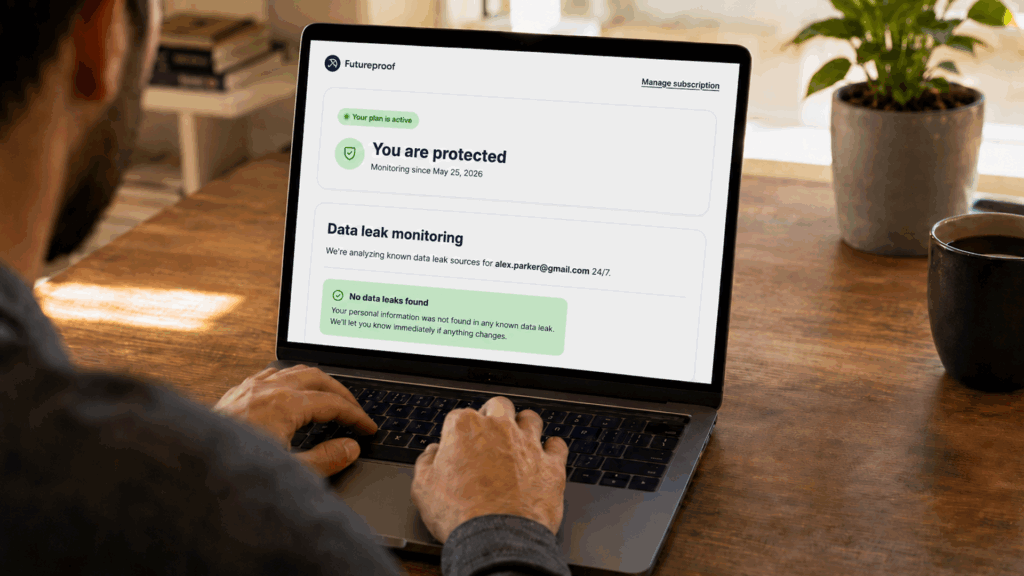
Futureproof monitors your email 24/7 for data leaks and sends a clear alert when something looks wrong. When it does, a real security specialist is available around the clock to walk you through exactly what happened and what to fix first — without making you Google anything.
And you don’t have to wait for a crisis to reach a security specialist. Futureproof’s support team is available even for general digital safety concerns any time you need professional guidance.
Futureproof also offers a free Chrome extension that helps users control website permissions like camera, microphone, location, and notifications. This adds a simple layer of everyday browser privacy without asking users to dig through settings.
Control+ vs Futureproof: How They Compare
| Control+ | Futureproof | |
| Main focus | Blocks scam sites, calls, and texts | Email leak monitoring + guided support |
| After an alert | Automated blocking only | 24/7 specialist explains your situation and offers help |
| Human support | Email/phone support | Email/phone/chat support for any question |
| Billing track record | Multiple complaints reported on Trustpilot | No such complaints |
| Free option | Risk quiz only (no real protection) | Free Chrome extension with practical value |
| Family coverage | Up to 4 people | Individual |
Why Futureproof Is Better for Regular Users
1. Futureproof is easier to understand
Control+ covers many different areas: shopping scams, call blocking, SMS filtering, data broker removal, dark web scans, family protection, and more.
This can feel too broad as a single solution to a single problem.
Futureproof focuses on a thing many people actually worry about: their email may have appeared in a data leak, and they need to know what to do next.
2. It gives clearer help after a leak
A leak alert should not leave you guessing.
That’s why Futureproof connects alerts to practical next steps. Users can ask a specialist whether they should change a password, turn on 2FA, check account activity, or watch for scam messages.
This makes Futureproof more helpful for people who do not want to decode cybersecurity terms alone.
3. It fits everyday privacy better
Control+ is built mainly for mobile. Futureproof adds a desktop version and browser extension that helps you manage camera, microphone, location, and notification access.
This is practical because many privacy risks come from small clicks people forget about later.
4. It feels less crowded
Control+ may be better if scam calls and texts are your biggest problem.
But if your concern is data leaks, Futureproof is more direct. It does not make you manage a large anti-scam setup just to understand whether your email is at risk.
Final Takeaway: Is Control+ Worth It?
Control+ is worth using if you want mobile scam protection, especially for suspicious shopping websites, scam calls, and scam texts.
It also includes useful extras like data broker removal and dark web exposure alerts. But it is not the best choice if your main concern is email leaks and clear guidance after exposure.
Futureproof is a better fit for regular users who want data leak monitoring, simple alerts, human support, and practical next steps. It focuses on helping you understand what happened and act before the problem gets bigger.
No matter which service you choose, you’ve already taken a step to protect your digital life. And that’s a path worth taking.

At Futureproof, Kevin explains digital safety in simple words, with clear tips and zero fluff. He holds a degree in information technology and studies fraud trends to keep his tips up-to-date.
In his free time, Kevin plays with his cat, enjoys board-game nights, and hunts for New York’s best cinnamon rolls.