Passwords lock the door, but scammers go straight through the window. Multifactor authentication (MFA) closes it, stops the mess, and keeps things calm. Here’s how it works in simple English.
Table of Contents
What Is Multifactor Authentication — and Why You’re Hearing About It Everywhere
Multifactor authentication (MFA) is an extra safety check when you sign in to your accounts.
This extra step exists because passwords aren’t enough anymore. People reuse the same passwords everywhere, scammers steal them in data leaks, and a single leaked password can compromise multiple accounts.
In 2025, Cybernews researchers reported that around 16 billion login credentials have been leaked online. That’s why companies, banks, and email providers now treat passwords as the first step — not the final one.
MFA is the calm backup that says: “Before we let anyone in, let’s be sure it’s actually you.”
What’s the Difference Between MFA, 2FA, and 2SV?
You may hear multifactor authentication (MFA), two-factor authentication (2FA), and two-step verification (2SV) used interchangeably — but they don’t always mean the same thing.
MFA means signing in to your account using different types of proof. For example, a password and a phone code, or your fingerprint.
2SV simply means signing in to your account using two steps. Sometimes those steps are different, but sometimes they’re from the same category — like a password and a security question.
2FA is signing in to your account with two different factors — not just two steps. For example, a password plus a one-time code sent to your phone.
How Multifactor Authentication Actually Works
When multifactor authentication is turned on, the login process follows a simple, predictable flow:
1. You enter your password
This is the same first step you already use to sign in.
2. The system asks for a second confirmation (multifactor authentication)
This is the extra check that verifies it’s really you.
3. The system checks both things
It verifies that the password is correct and that the second confirmation matches.
4. Access opens — or stops
If both checks pass, you’re signed in. If either one fails, access stops immediately.
That second step is the quiet safeguard. Even if someone else has your password — from a data leak, phishing email, or fake login page — they can’t move forward without that extra proof.
Think of it like coming home. A key might open the door, but a second lock makes sure the person turning it belongs there. That’s why MFA doesn’t add complexity. It adds certainty.
Most of the time, this entire process takes a second or two — and it prevents hours of cleanup, stress, and account recovery later.
Multifactor authentication isn’t about doing more. It’s about not having to worry when something goes wrong.
How MFA Actually Shows Up When You Log In
Here are the most common types of multifactor authentication — and what they look like when you log in:
SMS or Email Codes
What it is:
After you enter your password, a short one-time code is sent to your phone number or email.
How you get it:
You receive the code by text message or email and type it in to finish signing in.
How strong it is:
Better than using a password alone, but not the strongest option. Text messages can be hijacked through SIM-swapping, and email accounts are often targeted first.
Authenticator Apps (Time-Based Codes)
What it is:
An app on your phone generates a new 6-digit code every 30 seconds.
How you get it:
You open an app like Google Authenticator, Microsoft Authenticator, or Authy and enter the code shown on your screen.
How strong it is:
This is a strong and reliable option. The code stays on your device and isn’t sent over the internet, which makes it much harder for scammers to steal.
Push Notifications
What it is:
After you enter your password, a message pops up asking, “Is this you?”
How you get it:
You tap “Approve” on your phone to confirm the login.
How strong it is:
It’s strong and convenient, but only if you pay attention. Unexpected approval requests can be a warning sign that someone else has your password.
Hardware Security Keys
What it is:
A small physical device that must be present to approve a login.
How you get it:
You plug in or tap a small security key. Without it, you can’t sign in.
How strong it is:
It’s one of the strongest options available. If the key isn’t there, no one gets in.
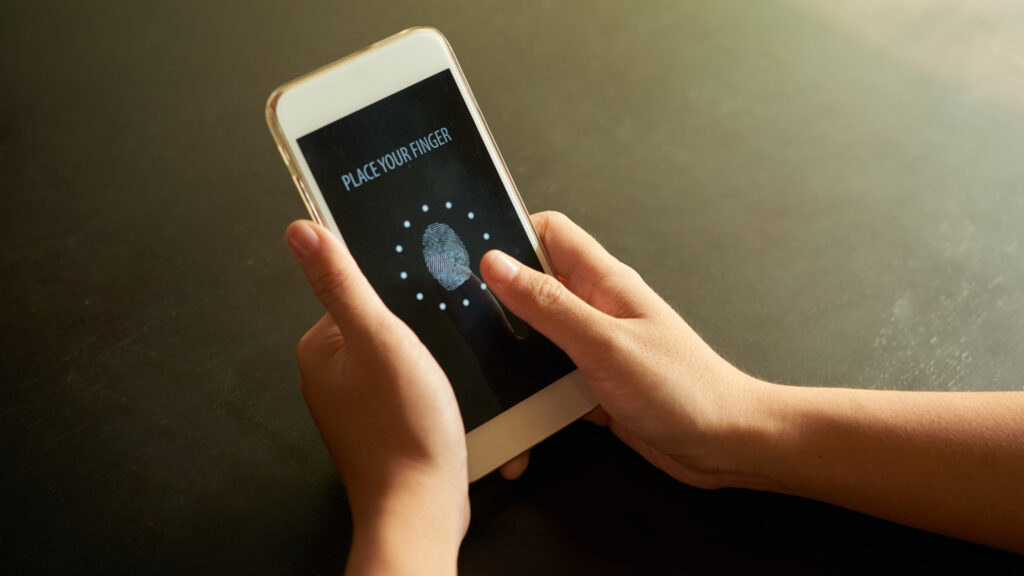
Biometrics and Passkeys
What it is:
Your device confirms it’s you using a fingerprint, face scan, or built-in passkey.
How you get it:
You unlock or approve the login directly on your phone or computer.
How strong it is:
It’s very strong and very easy to use. There’s nothing to remember or type, and nothing useful for scammers to steal. This is where MFA is heading.
Why MFA Is One of the Smartest Security Upgrades You Can Make
Here’s why multifactor authentication has become essential today:
1. Passwords are easy to steal
Scammers steal passwords through phishing emails, fake login pages, malware, and data breaches, then automatically test them across many accounts. That’s why a password alone is no longer enough to protect your accounts.
2. MFA blocks attackers even after a password is stolen
Even if someone has your password, MFA adds a second check, like a code, prompt, or biometric, that stops most account takeovers before they start.
3. MFA is no longer a hassle
Modern MFA is fast. One tap, a fingerprint, or a face scan is often all it takes. Security no longer means slowing yourself down.
4. Experts strongly recommend it
Security agencies and major tech companies rank MFA as one of the simplest and most effective ways to reduce account compromise. U.S. authorities like CISA actively recommend enabling it wherever available.
Futureproof watches over your digital life and alerts you early so online threats never get the chance to grow. Get started today to protect your peace of mind all year long.
The Bottom Line: One Lock Is Good. Two Are Better
Multifactor authentication isn’t there to test you or slow you down. It’s there for the moments we all have — when we’re tired, distracted, or just moving through the day on autopilot. That second check quietly steps in and carries the weight for you.
If this feels like a lot, that’s completely normal. The online world didn’t grow slowly — it changed all at once. You’re not behind, and you’re not expected to catch every risk on your own.
Think of MFA like a deadbolt or a smoke alarm. You set it up once. After that, it works quietly in the background, protecting you without asking for attention or effort.
When security takes care of itself, life feels lighter. So follow these simple tips and keep them handy to worry less, save your time, and have peace of mind.

At Futureproof, Kevin makes online safety feel human with clear steps, real examples, and zero fluff. He holds a degree in information technology and studies fraud trends to keep his tips up-to-date.
In his free time, Kevin plays with his cat, enjoys board-game nights, and hunts for New York’s best cinnamon rolls.