It’s a lovely Sunday evening, and you decide to pull out a box of old photo albums. Inside are pictures, letters, and family milestones — each page holding a piece of your life story.
Now imagine someone quietly slipping into your living room, making copies of those photos, and walking out without you noticing. Weeks later, strangers know your address, your relatives’ names, even your high school graduation year.
That’s what a data leak feels like online. It’s not a scam call you can hang up on. It’s pieces of your life, quietly copied and passed around, until they land in the wrong hands.
The question is — how much of your life has already leaked without you knowing?
This guide will walk you through everything you need to know about data leaks in simple words — what they are, why they’re dangerous, and the exact steps to take right now to protect your info before it’s too late.
Table of Contents
What Exactly Is a Data Leak?
Simply put, a data leak happens when private information about you “slips out” of the place it was supposed to be kept safe.
Think of your information like papers locked inside a filing cabinet at the bank. If the cabinet is left unlocked, anyone walking by could peek inside. That’s what a data leak is in the digital world — information stored online is accidentally left exposed.
Types of data that often leak include:
- Personal identifiers: full name, home address, Social Security number, date of birth.
- Financial data: credit card numbers, bank account details, tax records.
- Health information: prescriptions, medical visits, insurance numbers.
- Login details: usernames, passwords, and answers to security questions.
What makes leaks especially tricky is that they’re usually not your fault. They happen because a company, hospital, or website didn’t lock their “digital cabinet” properly. And once the data is out, it can spread quickly across the internet.
How Leaks Happen — And Why They’re So Common
You might wonder: If companies promise to protect my data, how does it leak in the first place?
Here are the most common ways:
- Weak Security at Companies
Some organizations don’t use strong enough protections. For example, a hospital might leave a patient database unencrypted (like leaving files on a desk instead of in a safe). - Employee Mistakes
Sometimes workers accidentally upload a file with personal information to a public website or send sensitive records to the wrong person. - Old Accounts and Forgotten Apps
Maybe you signed up for an online store years ago and never used it again. If that store’s database gets hacked, your information could still be sitting there waiting to be leaked.
Why is it so common? Because every company we interact with — from our pharmacy to the Social Security Administration website — collects and stores pieces of our lives. The more data that’s out there, the more doors exist for leaks to happen.
The Life Cycle of a Leak: From Database to Scam Call
To understand why data leaks are so dangerous, it helps to follow the journey of your information once it “slips out”:
- The Leak Happens
A store, hospital, or bank accidentally exposes your data — maybe through a weak password, a hack, or an employee mistake. - Data Hits the Dark Web
The leaked data is often posted on the dark web — a hidden part of the internet where criminals buy and sell information. Imagine a secret flea market where stolen Social Security numbers and bank logins are traded. - Scammers Build Profiles
Criminals don’t just use one piece of leaked info. They collect details from different leaks and piece them together. For example, your address from one leak, your email from another, and your Social Security number from a third one. - You Become a Target
With enough information, scammers launch attacks: fake calls from “Medicare,” phishing emails that sound personal, or even attempts to open loans in your name.
This is why adults often wonder, “How did they know so much about me?” The truth is: they pieced it together from leaks.

Why Data Leaks Are Especially Dangerous for Senior Adults
For younger people, a leaked email or password might just mean resetting an account. But for seniors, the stakes are much higher. Criminals know that older adults:
- Often have retirement savings and pensions.
- Use Medicare and Social Security numbers — which are gold to scammers.
- May trust official-looking calls or emails more than younger generations.
- Might not realize just how much personal information has already leaked.
Once scammers have even one piece of leaked information, they can build a digital profile of you.
And here’s a common misconception: “If I don’t shop online, I’m safe.”
That’s not true. Banks, hospitals, and insurance providers all store your data digitally. Even if you never go online, leaks can still affect you.
For example:
- If companies know your name, address, and birthdate → Scammers can use it to open a credit card in your name.
- If they get your Medicare or insurance number → Scammers can file false medical claims.
- If they see your email and phone number in a leak → Scammers can call pretending to be your bank, already knowing enough details to sound convincing.
The danger isn’t only financial. Leaks also lead to stress, loss of confidence online, and hours of frustration trying to undo the damage. Many victims describe it as feeling like “someone stole a piece of my life.”
Real-World Examples of Leaks
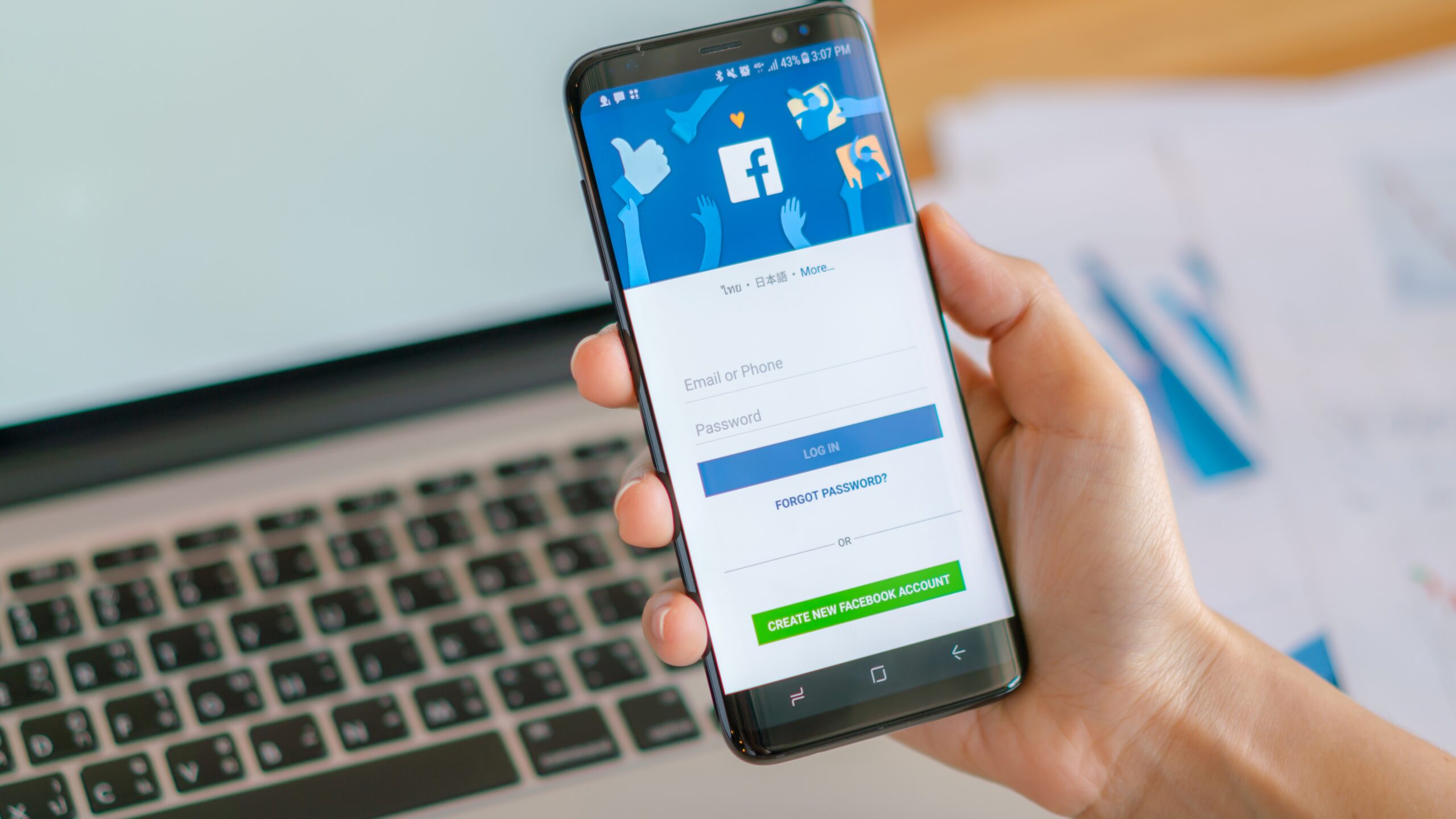
- Facebook’s “Tea App” Exposure (2025)
The women’s ‘dating safety’ app Tea leaked around 72,000 user selfies, identification photos, and private messages because the app’s database was left completely unprotected — without passwords or encryption.
This unintended leak puts users at risk of deepfake identity attacks or biometric fraud. - CMS Medicare.gov Account Leak (2025)
The Centers for Medicare & Medicaid Services (CMS) discovered that scammers used valid beneficiary detail s— including Medicare Beneficiary Identifiers, names, birthdates, and zip codes — to create unauthorized Medicare.gov accounts for about 103,000 users. - BayCare’s Winter Haven Hospital Email Mix-Up (2024)
In March 2024, a hospital employee at Winter Haven Hospital (part of BayCare Health) mistakenly attached a file containing patient medical information — including names, dates of birth, and procedure details — to an email intended for someone else.
While the error was quickly flagged and the file deleted, the incident highlights how a simple mistake can expose deeply personal health data.
How to Check if Your Information Has Leaked
Here’s the part people often ask: How do I even know if this has happened to me?
The tricky thing about a data leak is that you usually don’t notice it right away.
There’s no alarm or flashing warning on your screen — your details slip out quietly, and months later you might see the first sign: a strange charge on your bank statement, a letter about a loan you never applied for, or a scam call where the stranger already knows your birthday.
Here’s how to protect your data:
- Sign Up for Automatic Monitoring Services
Automatic monitoring services keep watch for you, spotting security risks early and giving you peace of mind without extra effort. For example, the Futureproof platform monitors data leaks for you 24/7 and sends alerts if your info gets exposed. This can save you loads of time and reduce stress. - Look for Warning Signs
- Emails about password resets you didn’t request.
- Credit card charges you don’t recognize.
- Calls or texts that already know your personal details.
- Review Your Credit Reports
Every American is entitled to one free credit report per year from each of the three major agencies — Experian, Equifax, and TransUnion — through AnnualCreditReport.com.
Checking these reports helps you spot accounts you never opened, loans you never applied for, or sudden changes in your credit activity.
What To Do If Your Information Is Found in a Data Leak
Here’s your step-by-step response plan right after a leak:
1. Change Your Passwords Immediately
Start with your email and banking accounts. Create strong, unique passwords:
- Use at least 3 simple hyphenated words, each starting with a capital letter (e.g., Home-Dog-Work).
- Do not use names, surnames, or locations related to you personally.
- Add at least 4 numbers (e.g., Home-Dog-Work-1918)
Note: Remember to change your password every 6 months to keep your information secure and avoid potential threats.
2. Turn On Two-Factor Authentication
This adds an extra lock. Even if a scammer steals your password, they can’t log in without the code texted to your phone. Here’s a quick guide on how to set up this option:
- Open your browser (Chrome, Firefox, Safari, etc.) and type myaccount.google.com in the address bar at the top of the screen.
- Sign in with your email and current password.
- Click Security on the left-hand side menu.
- Scroll down to Signing in to Google and click 2-Step Verification.
- Add your phone number and choose how you want to get codes (text or call).
- Click Next.
- Confirm your phone number and click Save.
Your 2-Step Verification is now active!
3. Monitor Your Financial Accounts
Check bank and credit card statements weekly. Better yet, set up alerts that notify you for every new transaction. If you don’t know how to set up alerts, you can always ask a bank worker for help.
4. Freeze Your Credit
Contact Experian, Equifax, and TransUnion. A credit freeze is free and stops criminals from opening loans or cards in your name.
5. Report Fraud Quickly
If you notice money missing or fake accounts, call your bank and file a report with the FTC at IdentityTheft.gov. The faster you act, the less damage spreads.
Key Takeaway: Leaks Don’t Have to Ruin Your Life
Data leaks are like silent burglars — you don’t notice them until they’re inside. But here’s the good news: you can stay one step ahead by monitoring if your info is exposed and by practicing simple habits.
This will help you turn a frightening risk into something you’re fully prepared to handle without stress.
Treat your digital life like your home. Lock the doors, check for break-ins, and don’t give strangers the keys. That’s how you keep your information — and your peace of mind — safe.

At Futureproof, Kevin makes online safety feel human with clear steps, real examples, and zero fluff. He holds a degree in information technology and studies fraud trends to keep his tips up-to-date.
In his free time, Kevin plays with his cat, enjoys board-game nights, and hunts for New York’s best cinnamon rolls.