Attackers abused Microsoft account recovery features to steal sensitive company data from Microsoft 365 and Azure systems. Here’s what happened, what sensitive information was targeted, and why it matters now.
Table of Contents
What Happened?
According to BleepingComputer, Microsoft warned about a new cyberattack campaign called Storm-2949. The company publicly shared details about the attacks on May 19, 2026.
The campaign targeted Microsoft 365 (Microsoft’s workplace apps and email services) and Azure (Microsoft’s cloud platform) to steal sensitive company information.
The attackers focused on users with privileged access, including IT staff and senior executives. Microsoft said the criminals wanted to take control of employee accounts and collect as much valuable information as possible from company systems.
After gaining access, the attackers moved through Microsoft 365 and Azure, searching for sensitive files, credentials (usernames and passwords), and infrastructure details.
Who Was Affected and What Data Was Leaked?
Microsoft did not publicly identify the organizations affected by the attacks. The company also did not say how many businesses were targeted.
However, Microsoft confirmed that the hackers stole highly sensitive business information, including:
- VPN settings (secure connections used to access company networks remotely)
- Internal IT documents (files used to manage company technology)
- Cloud management information (settings used to run online systems)
- Remote access details (information used to connect to company systems from outside the office)
- Database usernames and passwords
- Application connection settings (information that helps software connect to company databases)
- Storage access keys (digital keys that unlock stored data)
- Secrets stored in Azure Key Vault (a secure storage system for passwords and other sensitive information)
- Files stored in OneDrive (Microsoft’s cloud file storage service) and SharePoint (Microsoft’s document-sharing platform)
Data breaches don’t end when they leave the headlines. Stolen data can circulate on the dark web for years, and many people don’t realize their information was leaked until suspicious activity appears later.
The best thing you can do is check now before fraud or identity theft becomes a problem. Knowing your email appeared in a breach gives you time to change passwords and secure your account before someone uses them.
With Futureproof, you can check whether your email appeared in known data leaks and get simple steps to protect your account.
How Did the Attack Happen?
Microsoft believes the hackers abused Self-Service Password Reset (SSPR), a tool that lets employees reset their own passwords.
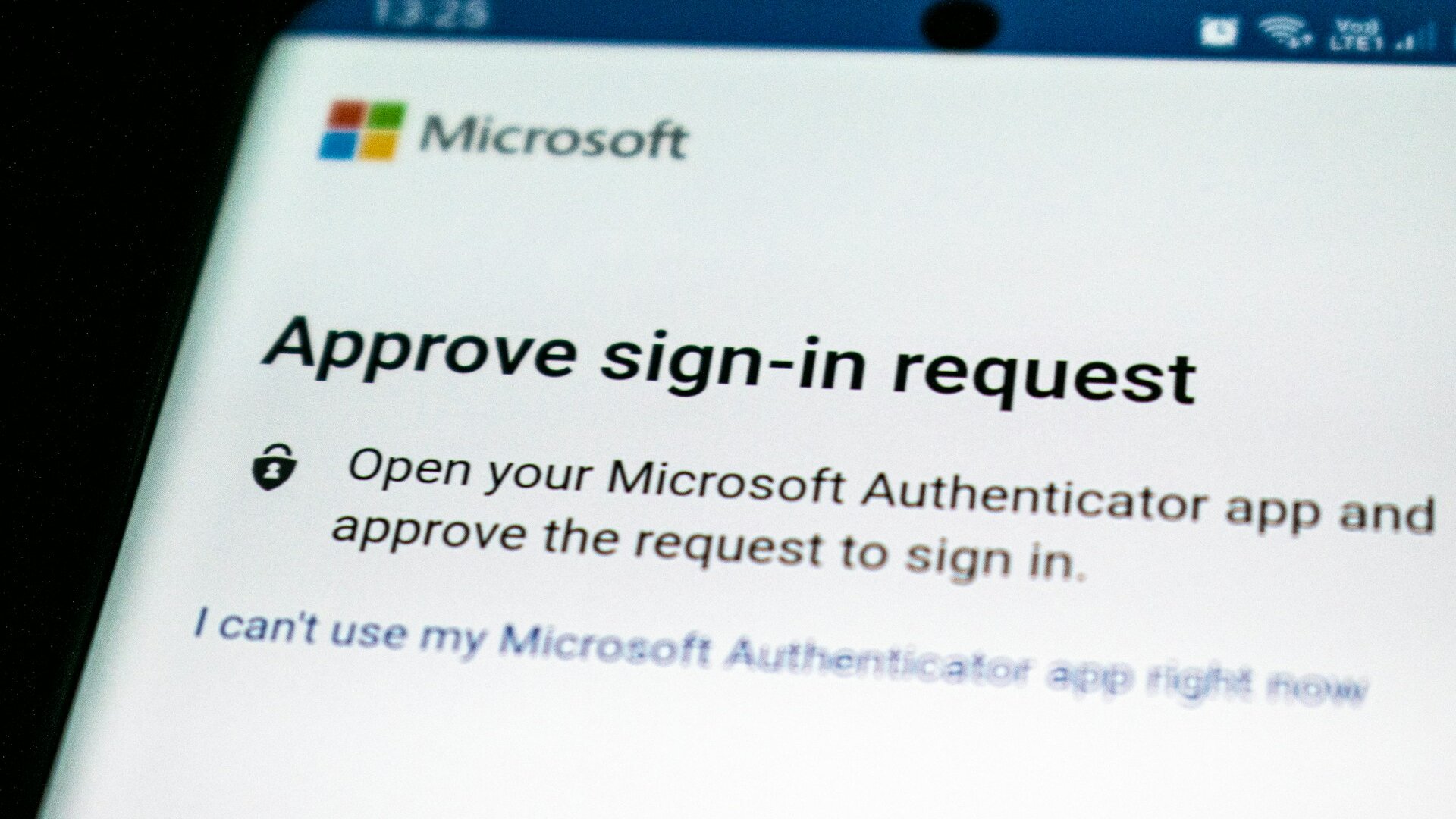
The attack relied on social engineering (a tactic that tricks people into sharing information or giving access to accounts). The criminals posed as IT support staff and convinced employees to approve multi-factor authentication (MFA) requests.
Once inside, the group reset passwords, removed security protections, added their own authentication devices (devices used to verify account access), and searched company files.
Microsoft said the attackers later expanded their access into Azure, where they used administrative tools to steal additional credentials and access sensitive data.
The attackers also reportedly installed remote access software and tried to remove evidence of their activity.
Futureproof keeps your data safer with simple guidance to set a strong password, turn on 2-step verification, and lock down your account.
Check my safetyWhy This Attack Matters to You
Cybercriminals increasingly target people, not just technology, and that’s what makes this threat dangerous.
Verizon’s 2025 Data Breach Report found that stolen credentials were involved in 22% of data breaches. The report also found that nearly 60% of breaches involved a human element, such as phishing, mistakes, or manipulation.
Even robust security tools can’t protect you if you’re deceived into approving a request that looks legitimate, whether it’s a login prompt, password reset, or verification alert.
Microsoft and other security experts warn that these identity-based attacks are growing because your accounts don’t exist in isolation.
Once attackers gain control of a privileged account, they can often reach many other systems.
5 Simple Steps to Protect Your Accounts and Data
You cannot stop every cyberattack, but these simple habits can help protect your accounts and personal information:
1. Verify unexpected security requests
Attackers often pretend to be IT support or another trusted organization. If someone asks you to approve a login, password reset, or verification request, verify it through an official phone number or website first.
2. Secure your email account
Your email account is connected to many other services. If someone gains access, they may reset passwords across multiple accounts.
Use a strong password and enable two-factor authentication whenever possible.
If you are not sure how to strengthen your account security, the Futureproof Email Protection feature can help. With Email Protection, you can create a strong password and set up two-factor authentication to secure your account faster.
3. Be careful with login approval requests
If you receive a login approval request that you did not initiate, do not approve it. Unexpected authentication prompts can be a sign that someone is trying to access your account.
4. Review your security settings regularly
Check your recovery email addresses, phone numbers, and connected devices from time to time. Remove anything you do not recognize.
5. Watch for unusual account activity
Password reset notices, new login alerts, or changes to security settings can be early warning signs that someone is attempting to access your accounts. Make sure the activity was really yours.
One Approved Click Can Be Enough to Put Your Accounts at Risk
The attacks linked to Microsoft show that criminals do not always need advanced hacking tools. Sometimes, a trusted-looking request and a moment of confusion are enough.
Even careful people can be caught off guard by urgent messages or someone claiming to provide help.
Strong passwords, two-factor authentication, and verifying unexpected requests remain some of the best ways to stay protected. Tools like Futureproof can also help you spot risks earlier and take action before stolen information is used in scams, fraud, or identity theft.
A few simple security habits can go a long way toward keeping your accounts and personal information safer.

At Futureproof, Kevin explains digital safety in simple words, with clear tips and zero fluff. He holds a degree in information technology and studies fraud trends to keep his tips up-to-date.
In his free time, Kevin plays with his cat, enjoys board-game nights, and hunts for New York’s best cinnamon rolls.