![You are currently viewing How to Tell If an Email Is a Phishing Scam [Clear Signs + Next Steps]](https://futureproof.app/blog/wp-content/uploads/2025/10/phishing-mail-computer-monitor-displays-email-alert-with-warning-icons-surrounded-by-keyboard-calculator-piggy-bank-desk-modern-office-1-1.jpg)
Have you ever received a text or email that felt… off? Maybe it looked like your bank or a delivery service. It used your name, sounded urgent, and asked you to “verify” something.
That could be phishing — one of the most common and dangerous online scams today. And if you fall for it, the consequences can be serious.
Today, we’ll show you how phishing works, how to spot it, and what you can do right now to stay safe. Even one click on the wrong link can lead to stolen money or identity theft — so let’s make sure you know what to look for.
Table of Contents
What Is Phishing — And Why Should You Worry?
Phishing is when scammers pretend to be someone you trust — your bank, a delivery company, a government agency, or even a family member — to trick you into sharing sensitive information.
It’s called “phishing” because it’s like fishing: the scammer throws out bait (like a fake message), hoping you’ll bite. And when you do — they can steal your money, access your accounts, or even take over your device.
How Phishing Messages Trick You
Phishing messages feel real — and that’s the danger. They often look official, use the right logos, and create urgency that makes you act fast. Here are common examples to watch for:
Fake Bank Fraud Alerts
You get a text saying a large withdrawal was attempted from your account. It asks you to reply “Yes” or “No.” If you respond, someone calls — pretending to be from your bank’s fraud department. They sound helpful, but it’s a trap.
They may ask for login codes or even access to your device. The result? Your money disappears — and in some cases, so does your identity.
Fake Package Delivery Notices
Waiting for a package? Scammers send texts that look like they’re from USPS, FedEx, or UPS.
The message says your delivery was delayed and asks you to update your address or pay a redelivery fee.
But the link goes to a fake website designed to steal your credit card or personal info — sometimes even your Social Security number.
Fake Amazon Texts
You receive a message saying a suspicious purchase was made on your Amazon account.
You call the number provided — and speak with someone who sounds official.
They say they’ll help “fix” the issue but need remote access to your phone or computer. Then they ask you to send back a fake refund — usually through gift cards. Many victims lose thousands this way.
The Most Common Types of Phishing
Phishing isn’t always just a message. It can take many forms:
- Email phishing — You receive what looks like an official message from Medicare, PayPal, or your bank asking you to “verify” something urgently.
- Phone scams (vishing) — A scammer calls pretending to be from the IRS or Social Security. They pressure you into sharing personal details or making payments.
- Pop-up warnings — While browsing online, a message says your computer is infected and urges you to call tech support — which turns out to be a scam.
- Fake websites — Scammers create look-alike websites (Amazon, Chase, Apple) to steal your login details.
- Romance and social media — A scammer builds a relationship through messages or dating apps, then asks for financial help or gifts.

Real People. Real Losses.
These aren’t rare cases — they happen every day:
- A 63-year-old woman in Florida lost over $800,000 in a romance scam that began with a phishing email.
- A retired couple in Arizona clicked a fake bank link — and had their entire savings drained in just 48 hours.
- Thousands of senior adults were tricked by scammers pretending to be from the CDC or Medicare, giving away health insurance and Social Security info.
The truth is, scammers don’t see you as a person. They see you as an email address with a wallet. Let’s prove them wrong.
Why Don’t Email Providers Stop This?
You might wonder — why doesn’t my email provider block these messages?
Here’s why phishing slips through:
- Scammers constantly update their tricks — using logos, subject lines, and language that mimic real companies.
- They trigger emotions like fear, urgency, or curiosity — so you act fast without thinking.
- Some phishing emails are personalized — using your name or location from previous data leaks.
- Spam filters catch many scams — but not all, especially the more sophisticated ones.
This is why you are your strongest line of defense. Learning how to recognize the signs is your best protection.
How to Spot a Phishing Message
Be suspicious of any message that:
- Asks you to click a link or download an attachment
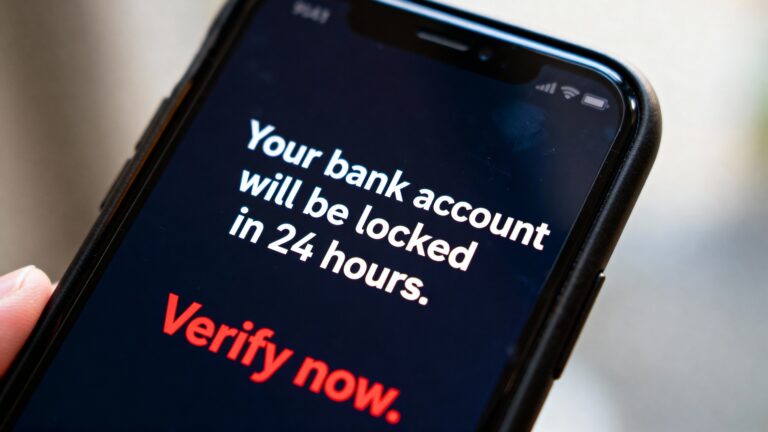
- Creates urgency — “Act now or your account will be locked”
- Mentions suspicious logins or activity and asks you to verify
- Comes from a strange-looking email address (like support@amzon-help.com)
- Requests personal information — like your Social Security number, bank login, or Medicare ID
How to Protect Yourself — Even If You’re Not Tech-Savvy
You don’t need advanced tech knowledge. Just keep these simple tips in mind:
Double-check messages
- If you get a message from your bank, don’t click. Type the website into your browser yourself.
- If you get a call from the IRS, hang up. They never call without sending mail first.
- If you get a text with a link — don’t tap it, even if it looks familiar.
At Futureproof, we constantly scan if your personal data has been exposed and send data leak alerts once your info is in danger. Get started in minutes — feel safer today.
Use strong, unique passwords
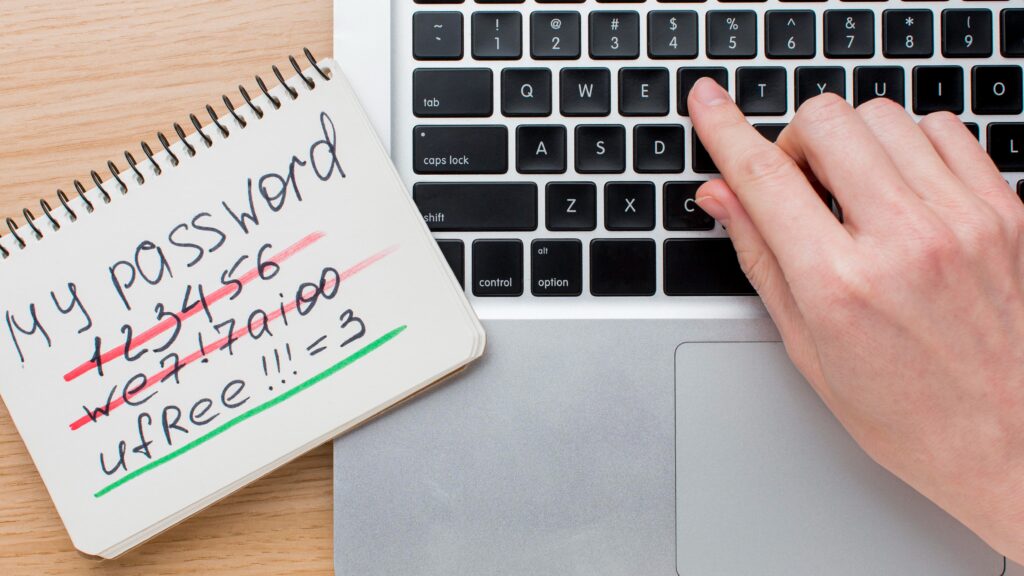
Don’t reuse the same password across different accounts. Try a password manager — or keep a secure notebook.
Turn on two-factor authentication (2FA)
This extra step makes it harder for scammers to access your accounts — even if they have your password.
Be cautious of caller ID
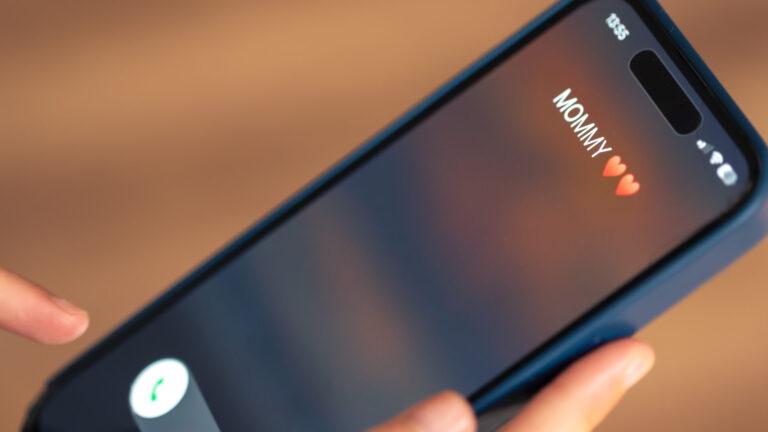
Scammers can make it look like they’re calling from your bank, your pharmacy, or even your child’s number.
Ask someone you trust
If you’re unsure about a message or call, check with a friend or a family member.
It’s Not Your Fault
Phishing doesn’t just steal money — it damages confidence. Many victims feel embarrassed, ashamed, or afraid to tell anyone.
But here’s the truth: scammers count on that silence to keep going. You have nothing to be ashamed of. You’re not the problem — they are. Speaking up protects others. Let’s break the cycle.
Your Anti-Phishing Survival Checklist
Phishing can happen to anyone. This simple list keeps you calm, steady, and scam-proof:
✔ I never click links in unexpected emails or texts
✔ I hang up and call back using a trusted number
✔ I check email addresses and website URLs carefully
✔ I use strong, unique passwords for every account
✔ I talk to someone before responding to any urgent or strange message
✔ I remember — real institutions never ask for personal info by phone, text, or email
Avoid Phishing Scams in the Future
Don’t wait until something goes wrong. With Futureproof, you can take control right now:
- Get weekly data leak reports — See if your personal, financial and other data have already been exposed.
- Get real-time alerts — Know the moment your info shows up in a database with compromised data.
- Act fast — Secure your accounts before scammers get into them and claim what’s yours.
Bottom Line: Phishing Scammers Lose When You Slow Down
Here’s a twist most people miss: phishing isn’t really a “tech” problem — it’s a tempo problem. Scammers win by speeding you up. You win by owning the pace. When anything urgent hits your screen, do three things before you move a muscle: Pause. Read out loud. Breathe.
If it still matters after those ten seconds, you choose the next step (type the official site yourself, call the real number on your card, or ignore it). That’s how one quick “does this look right?” turns panic into perspective.
Keep your tempo. Keep your money. Keep your calm. Because your online experience should be pleasant, not stressful.

At Futureproof, Kevin makes online safety feel human with clear steps, real examples, and zero fluff. He holds a degree in information technology and studies fraud trends to keep his tips up-to-date.
In his free time, Kevin plays with his cat, enjoys board-game nights, and hunts for New York’s best cinnamon rolls.