A data leak isn’t the same as a hack — nobody has to break in for your information to end up somewhere it shouldn’t.
You usually find out later, often the hard way: from a strange login code, a call from someone asking for money, or a password reset you never requested.
And then you start asking yourself: “Was my data leaked somewhere?”
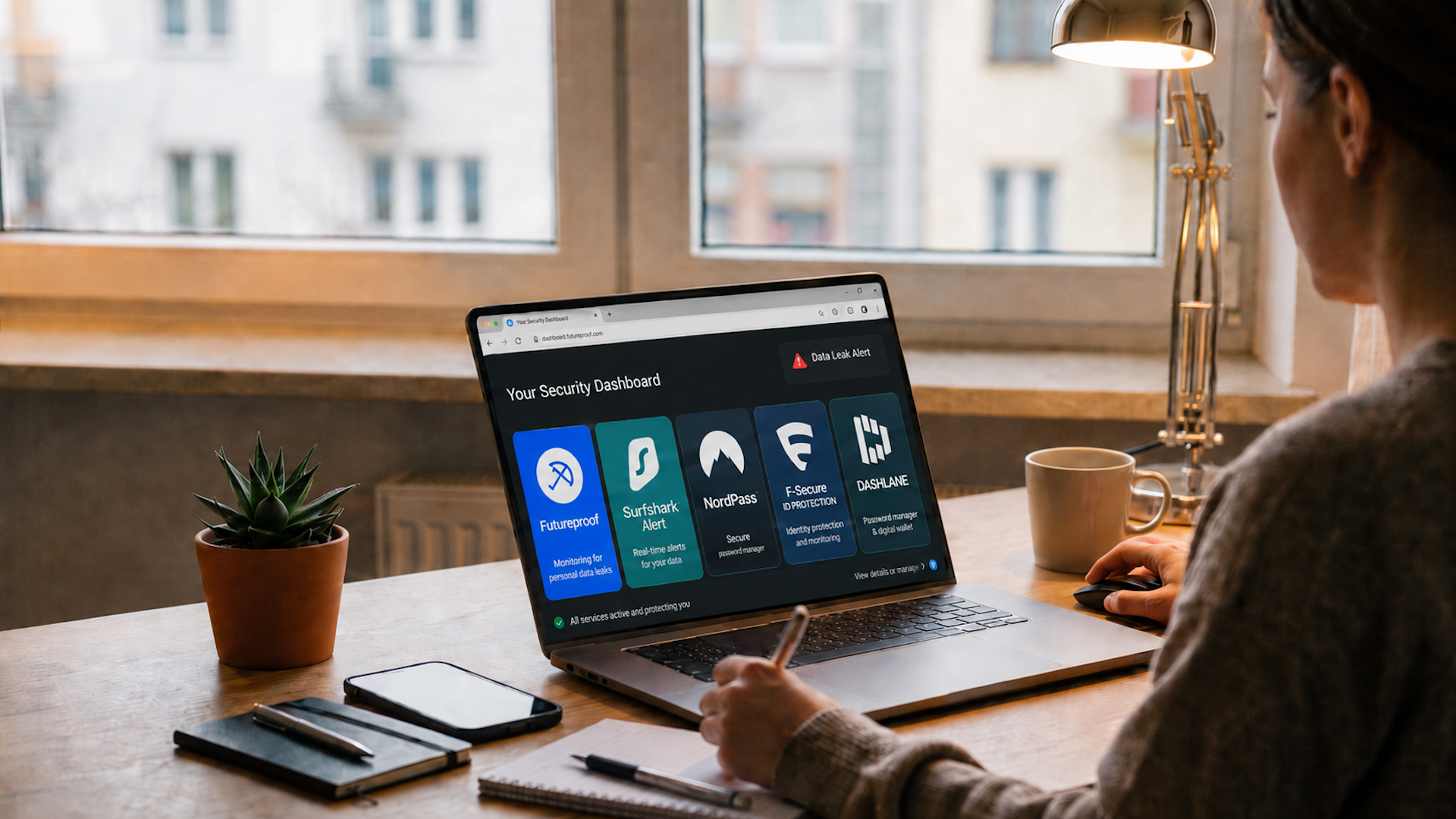
But you don’t have to wait and hope. Let’s review five reliable services that help you check if your personal information has leaked, and what to do if it has.
Table of Contents
Quick Comparison
Each service helps with data leaks in a different way. This table makes it easier to compare what each tool is best for before choosing one.
| Service | Best for | Key benefit |
| Futureproof | People who want simple alerts and support from specialists | Clear guidance after a leak |
| Surfshark Alert | People who want broader privacy coverage | Monitors several types of exposed data |
| NordPass Data Breach Scanner | People who want to fix password risks too | Links breach alerts with password cleanup |
| F-Secure ID Protection | People who want broader identity monitoring | Covers more than just email |
| Dashlane Dark Web Monitoring | People who already use a password manager | Leak alerts inside the same password workflow |
Futureproof: Best for Data Leak Alerts and Simple Next Steps
Futureproof is built around a very common problem: finding out that your data may be exposed and not knowing what to do next.
It monitors your email address for data leaks 24/7 and alerts you when your personal information may appear in known data leak sources.
But the main value is not only the alert. It’s support.
Futureproof security specialists help you understand what happened in plain language and give practical steps to reduce the damage. That can include changing passwords, setting up two-factor authentication, checking account activity, or watching for scam messages that may follow a leak.
Where Futureproof Actually Helps
It gives users a clear place to start
A data leak can feel vague and stressful. Futureproof helps turn that into a smaller question: what account needs attention, and what should you do first?
That matters because people often ignore leak alerts when they look too confusing.
It focuses on regular users, not security experts
Futureproof does not expect users to understand breach terminology, credential stuffing, account takeover, or dark web markets. It explains the risk in simple language.
That makes it useful for people who want protection without needing to become cybersecurity experts.
It helps reduce scam risk after a leak
Leaked data can make scam messages feel more believable. If scammers know your email is active, or if they connect it to old account details, they can create more personal phishing attempts.
Futureproof helps by warning when information may be exposed and guiding them toward basic safety steps before the issue grows.
It also includes browser protection
Futureproof has a free Chrome extension that helps users control website permissions such as camera, microphone, location, and notifications.
This is not the same as data leak monitoring, but it adds another layer of everyday digital safety. Many users click “Allow” on websites without thinking, and the extension helps bring those permissions back into view.
Surfshark Alert: Best for Leak Monitoring Inside a Broader Privacy Bundle
Surfshark Alert is a data leak monitoring tool from Surfshark.
It checks whether your personal information appears in data breaches and sends alerts when something is found. Surfshark Alert checks the web 24/7 and notifies users when their data appears in a breach.
This service can help monitor exposed information such as email addresses, passwords, credit card details, IDs, Social Security numbers, and other sensitive personal or financial data.
When it finds a leak, it shows what data was exposed and gives steps to help prevent further damage.
Where Surfshark Actually Helps
It monitors different types of personal data
Some tools only check limited information. Surfshark Alert goes broader by covering several types of sensitive data.
That makes it useful if you are worried about more than one email account.
It sends alerts instead of making you check manually
Most people will not remember to run leak checks every week. Surfshark Alert is more useful because it works in the background and sends alerts when something appears.
It gives damage-control steps
After a leak, Surfshark advises users to change passwords, enable two-factor authentication, and monitor accounts for suspicious activity.
These are basic steps, but they are exactly what most people need after finding out their data was exposed.
NordPass Data Breach Scanner: Best for Leak Checks With Password Cleanup
NordPass Data Breach Scanner helps users check whether their information has appeared in leaked databases.
The service has an online scanner, and NordPass also offers built-in breach monitoring for users inside its password manager. It monitors email addresses and credit cards, then alerts if sensitive data appears in a leak.
This makes NordPass useful because it connects the leak problem to one of the most important fixes: passwords.
Where NordPass Actually Helps
It connects breach alerts to password behavior
A leak alert is more useful when the user can immediately see which passwords may need attention.
NordPass helps users move from “something leaked” to “this is what I should change.”
It monitors both emails and credit cards
Email checks are helpful, but credit card monitoring adds another layer for users who worry about payment data exposure.
It fits people who need a password manager
If you want to clean up weak, reused, or old passwords, NordPass makes sense because breach monitoring is part of a broader password safety setup.
F-Secure ID Protection: Best for Monitoring Several Types of Personal Information
F-Secure offers a free Identity Theft Checker and a paid ID Protection service.
The free checker lets users enter an email address to see if private information connected to that email appears in known data breaches. The result is sent by email, and F-Secure says it does not store the email address or breach information.
The paid ID Protection product goes further with 24/7 monitoring and password management.
The types of information that F-Secure monitors include email addresses, phone numbers, credit card numbers, usernames, Social Security numbers, bank account numbers, passport numbers, driving license numbers, and more.
Where F-Secure Actually Helps
It covers more than email
Data leaks are not always just about email addresses. They can involve phone numbers, cards, IDs, usernames, or other personal details.
F-Secure comes handy because it looks beyond one piece of information.
It gives expert advice after exposure
F-Secure says users can get expert advice when personal information is exposed in a breach.
That makes the alert more useful, especially for people who do not know how serious the leak is.
It combines identity monitoring with passwords
This is helpful because password reuse is one of the most common ways a leak becomes a bigger account problem.
If an exposed password is reused across websites, attackers may try it elsewhere.
Dashlane Dark Web Monitoring: Best for Breach Alerts Inside Password Manager
Dashlane is mainly known as a password manager, but it also includes Dark Web Monitoring.
This feature lets users monitor up to five email addresses. Dashlane scans the dark web for personal information related to those addresses and sends alerts if something is found.
That makes it useful for people who want data leak awareness and password cleanup in one place.
Dashlane’s Dark Web Monitoring can look for personal information related to monitored email addresses, including usernames, passwords, contact information, Social Security numbers or other ID numbers, and computer IP addresses.
Where Dashlane Actually Helps
It monitors more than one email address
Many people have several emails: personal, work, old accounts, shopping accounts, or family-related addresses.
Dashlane allows users to monitor up to five email addresses, which is useful if your digital life is spread across different inboxes.
It gives action after an alert
Dashlane asks users to change any password related to an alert. That is important because the real value of breach monitoring is not only knowing something happened. It is fixing the weak point.
It works well if your passwords are already stored there
If you already use Dashlane, dark web alerts become part of the same workflow where you manage passwords.
That makes it easier to respond instead of jumping between different tools.
Which Data Leak Service Is Best For You?
The real difference between these tools is not only what they find. It is how clearly they guide you to the next step.
Futureproof is the strongest option if you want simple alerts, plain guidance, and a clear action plan after your data appears in a leak.
Surfshark Alert is better for users who want leak monitoring inside a wider privacy package.
NordPass and Dashlane are stronger choices for those who want to fix the password side of the problem at the same time.
F-Secure is worth considering if you want broader identity monitoring across several types of personal information.
In the end, the best service is the one you can trust. The sooner it helps you to know what was exposed, the easier it is to protect your digital life.

At Futureproof, Kevin explains digital safety in simple words, with clear tips and zero fluff. He holds a degree in information technology and studies fraud trends to keep his tips up-to-date.
In his free time, Kevin plays with his cat, enjoys board-game nights, and hunts for New York’s best cinnamon rolls.