The FBI says a cybercrime group is using fake IT support calls and even in-person visits to steal sensitive company data. Here’s what happened and how you can protect yourself.
Table of Contents
What Happened?
The group previously used phishing emails and phone calls to trick employees into giving remote access to their computers. Phishing is a type of fraud that uses fake emails, texts, or calls to steal information.
In attacks seen during 2026, the group changed its tactics. Attackers now pretend to be members of a company’s IT department and contact employees directly.
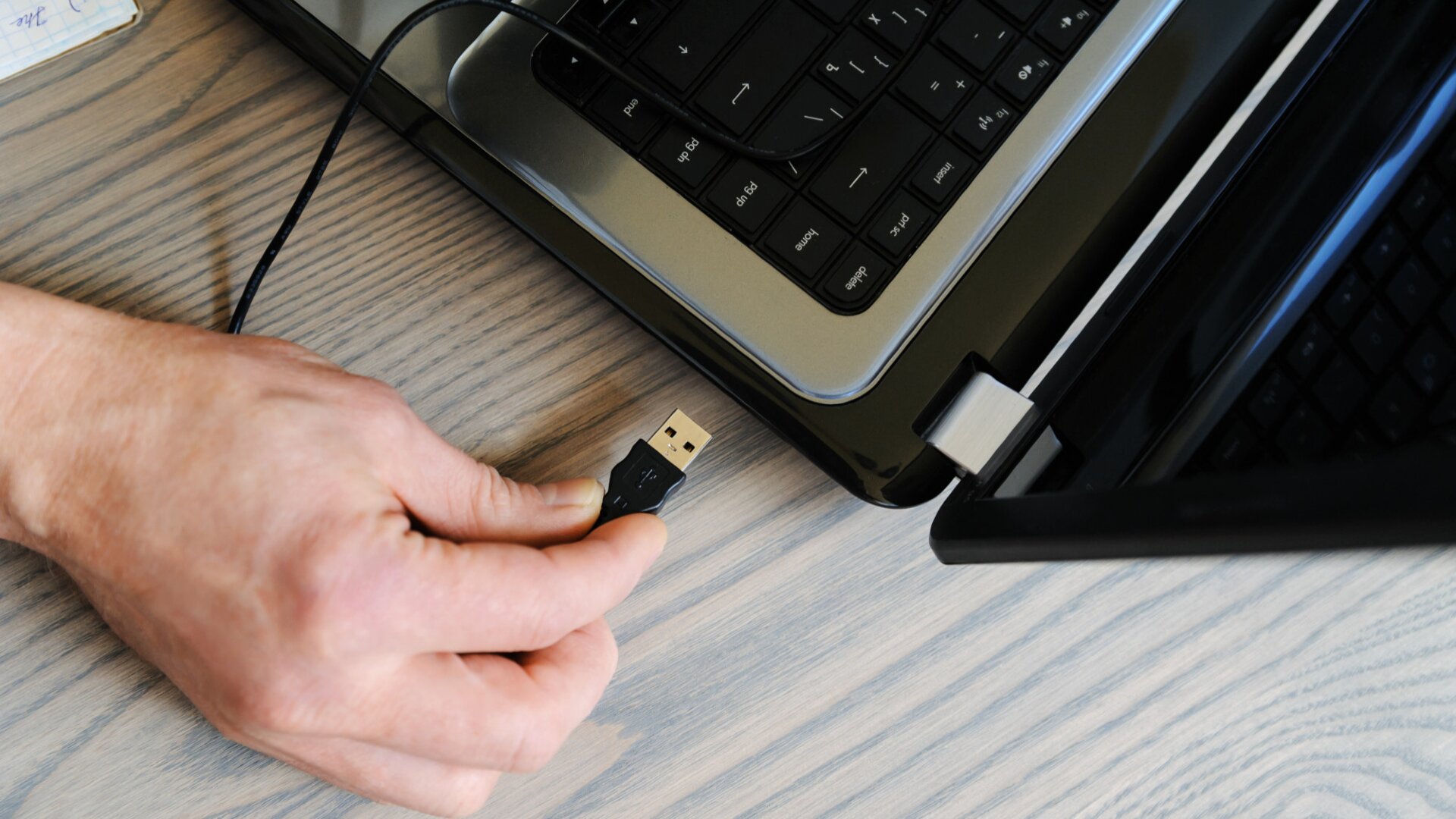
If employees refuse to provide remote access, the attackers may send someone to the office in person. The visitor claims they need to fix a technical issue and asks to connect a USB device or external drive to a computer.
After gaining access, the attackers steal company data and then demand payment to keep it private.
Who Was Affected and What Data Was Stolen?
The FBI said the recent campaign mainly targeted law firms in the United States. Public officials have not shared how many organizations were affected.
The attackers focused on stealing sensitive company information rather than locking files with ransomware (malicious software that blocks access to files until money is paid).
The FBI did not publicly identify the exact types of files stolen in recent attacks.
However, information taken during these incidents could include internal documents, client records, legal files, emails, or other confidential business data.
Information stolen during a cyberattack can remain valuable to criminals long after the incident is over. It may be used for phishing attacks, identity theft, or impersonation attempts.
Many people focus on major cyberattacks in the news, but may not realize their own information was affected in breaches or leaks months or years ago.
If you are not sure whether your information was leaked somewhere online, automatic monitoring can help you spot problems earlier.
Futureproof monitors your email 24/7 for data leaks and gives clear steps to secure your account from scams.
How Ransom Group Carried Out the Attack
The FBI says the group used a combination of phishing emails, fake IT support calls, and even in-person visits to gain access to victim organizations.
The attackers followed these steps:
- Criminals pretended to be IT support and contacted employees.
- They asked employees to give them access to their computers.
- If that did not work, someone visited the office in person.
- The visitor asked employees to connect a USB device.
- The attackers then stole company data and demanded money.
This approach allowed the group to bypass many traditional security tools because employees unknowingly helped the attackers gain access.
Futureproof scans your data for leaks and shows exactly how to close security gaps — before scammers find them first.
Check my safetyWhat You Can Learn From This Attack
Cybercriminals are increasingly targeting people rather than technology.
A convincing phone call, email, or in-person visit can sometimes be more effective than sophisticated hacking tools.
Whether you are at work or at home, it is worth slowing down whenever someone asks for urgent access to your device, account, or personal information.

3 Simple Ways to Protect Yourself From Similar Attacks
These simple habits can help reduce your risk:
1. Verify unexpected support requests
Be careful when someone contacts you claiming to be technical support. Criminals often create a sense of urgency to make people act quickly.
If you receive an unexpected call, email, or visit, contact the organization directly using an official phone number before taking any action.
2. Never connect unknown USB devices
A USB drive can contain tools that help criminals access a computer or steal information.
Only use devices provided and approved by trusted organizations. If you receive a device unexpectedly, ask your IT department before connecting it.
3. Secure your email account
Your email connects to many of your online accounts. If someone gains access to it, they may be able to reset passwords elsewhere.
Groups like Silent Ransom Group often start with phishing emails designed to trick people into trusting fake IT support requests. If your email account is well-protected, it becomes much harder for criminals to access your accounts or personal information.
Use a strong password and turn on two-step verification (an extra security step that requires a second code) to avoid risks.
If you are not sure how to strengthen your account security, the Futureproof Email Protection tool can help. Email Protection helps you create strong passwords and set up two-step verification to secure your account.
The Weakest Link Isn’t Your Software — It’s Your Trust
This FBI warning shows that cybercriminals are becoming more creative in how they gain trust.
A familiar-looking email, a convincing phone call, or even an in-person visitor can all be part of an attack.
Simple habits such as verifying support requests, protecting your email account, and watching for phishing attempts can make a meaningful difference.
By staying cautious and taking a moment to confirm who you’re dealing with, you can reduce your risk and enjoy greater peace of mind online.

At Futureproof, Kevin explains digital safety in simple words, with clear tips and zero fluff. He holds a degree in information technology and studies fraud trends to keep his tips up-to-date.
In his free time, Kevin plays with his cat, enjoys board-game nights, and hunts for New York’s best cinnamon rolls.