Clicking a suspicious link does not always mean something terrible happened.
Sometimes the page does not load, or it is just spam. Other times you clicked but did not enter or download anything.
But it still feels awful every time.
That is the moment when most people either panic or start googling random advice. But the smarter move is to pause, check the risk, and understand what to do next.
A good tool should help you answer three simple questions:
- Was the link dangerous?
- Did I share anything after clicking?
- What should I fix first?
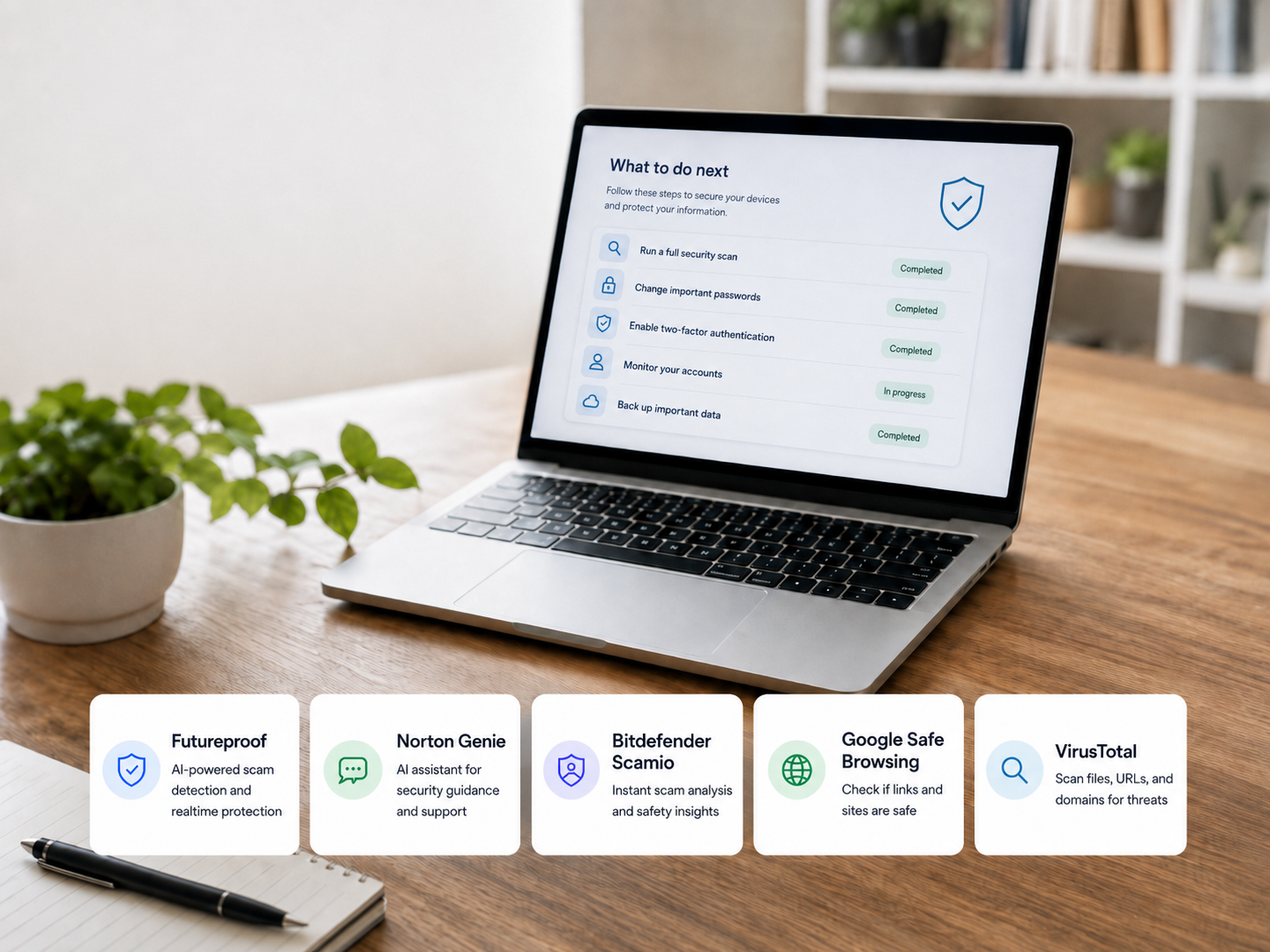
So let’s review five tools that can help after you click a suspicious link.
Table of Contents
Quick Comparison
| Tool | Best for | What it checks | Guidance style | Main limitation |
| Futureproof | People who want help after a suspicious link and data leak alert | Data leaks, email exposure, browser permissions | Human support and clear next steps | Not a full malware scanner |
| Norton Genie | Checking suspicious messages, links, screenshots, or emails | Scam signs in texts, emails, websites, and messages | AI-powered explanation | Not a full recovery service |
| Bitdefender Scamio | Quick scam checks for links, QR codes, messages, and screenshots | Texts, emails, links, social messages, QR codes | Chat-style AI answer | Does not replace account cleanup |
| Google Safe Browsing Site Status | Checking if Google already flags a website as dangerous | Known unsafe websites | Simple status check | May not catch brand-new scam pages |
| VirusTotal | More technical link and file checks | URLs, domains, IPs, and files | Detailed scanner results | Can be confusing for regular users |
Futureproof: Best When You Need a Clear Next Step
Futureproof is effective when your question is not just “Was this link suspicious?” but “What should I do now?”
This is important because a suspicious link is rarely the whole story.
Maybe the link came in an email that looked personal or used your real name. Or you clicked because the message looked like a delivery update, payment alert, or password warning.
Those messages often become more convincing when your email or personal details have already appeared in a data leak.
Where Futureproof Helps
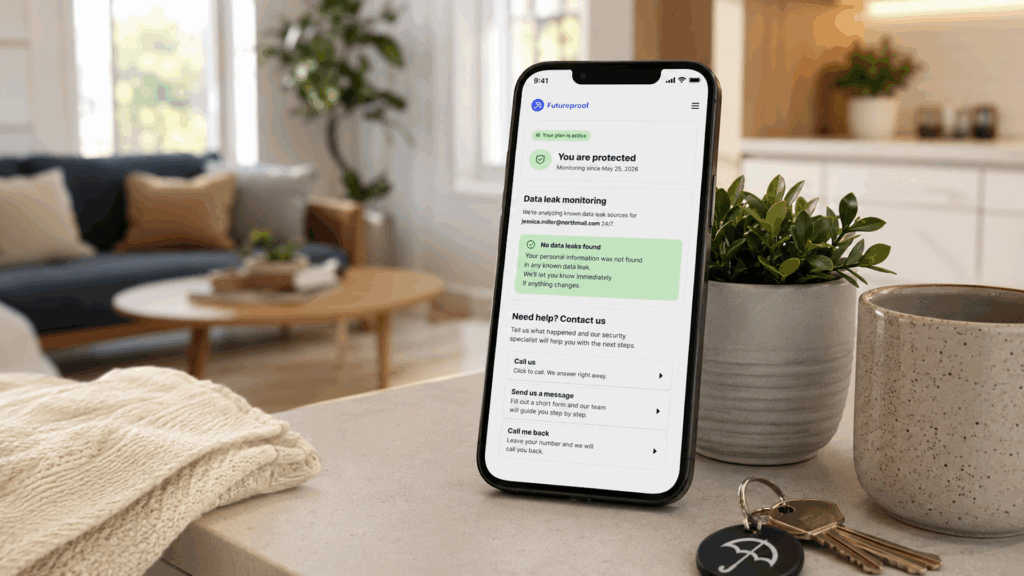
Futureproof monitors your email for data leaks 24/7 and alerts you when your information may be exposed online. You can also count on professional support from security specialists and email replies within 15 minutes.
That makes it useful after a suspicious link because the risk is not always limited to the page itself.
Futureproof can help you understand:
- whether your email has appeared in a leak;
- whether you should change one password or several;
- how to turn on two-factor authentication;
- what scam signs to watch for next;
- whether the message may be connected to exposed data;
- what to do if you already entered your personal information.
Futureproof also has a free browser extension for Chrome that helps you block unwanted permissions when any website uses your microphone, camera, exact location, and notifications.
What Makes It Different
Most link checkers give you a result. Futureproof gives you guidance.
That is the real value for regular users because you are not left alone with a warning you do not fully understand.
You can contact the support team and ask what the alert means, what to fix first, and how serious the situation looks. This is especially useful if the link came from an email and you are worried your account may already be exposed.
What to Know Before Using It
Futureproof is not a deep malware analysis tool. It is not built for cybersecurity professionals who want technical file behavior reports.
It is better for people who want plain-language help, leak monitoring, and practical next steps after a situation online looks wrong.
Norton Genie: Best for Checking the Message Around the Link
Norton Genie is useful when a suspicious link comes inside a message.
That is important because scams are not only about the link. The wording matters too: urgency, pressure, fake authority, emotional manipulation, and strange payment requests.
Norton describes Genie as an AI-powered scam detection tool that can analyze a message, email, social post, or website in seconds to look for signs of a potential scam.
Where Norton Genie Helps
You can use Norton Genie to check things like:
- a suspicious email;
- a text message with a link;
- a social media message;
- a strange website;
- an offer that feels too good to be true;
- a screenshot of a message.
This makes it useful before you click, but also after you click and want to understand whether the original message was likely a scam.
What Makes It Useful
Norton Genie is strong because it looks at context.
A basic link checker may only say whether the URL is known as dangerous. But many scams use fresh links, shortened links, or pages that have not been flagged yet. Norton says Genie looks at the message, email, social post, or website for scam signs, not only the URL itself.
That makes it helpful when the message is the suspicious part.
What to Know Before Using It
Norton Genie can help you judge whether something looks like a scam, but it does not replace cleanup.
If you already entered a password, payment details, or personal information, you still need to secure the real account, change passwords, contact your bank if needed, and watch for follow-up attempts.
Bitdefender Scamio: Best for Quick Scam Checks
Bitdefender Scamio is another useful tool for checking suspicious content fast.
The service describes Scamio as a free AI-powered scam detector that can analyze tricky texts, emails, social media messages, links, and QR codes.
That makes it practical for everyday situations where you are not sure whether something is safe.
Where Scamio Helps
Scamio can be useful when you receive:
- a suspicious link;
- a QR code;
- a fake delivery message;
- a strange email;
- a social media offer;
- a screenshot of a message;
- a message asking for money or personal details.
You send the content to Scamio, and it gives you an analysis.
What Makes It Useful
Scamio is simple.
You do not need to understand malware reports, domain reputation, redirects, or browser warnings. You can paste the message or link and get a more understandable answer.
That matters for regular users because most scams do not arrive with obvious red flags anymore. They often look normal enough to make you hesitate.
What to Know Before Using It
Like Norton Genie, Scamio is a checking tool, not a full recovery service.
It can help you decide whether something is suspicious, but it will not secure your accounts for you. If you clicked and entered information, you still need to take action on the real account.
Google Safe Browsing Site Status: Best for a Simple Website Safety Check
Google Safe Browsing is one of the easiest ways to check whether a website is already known as unsafe.
It says its technology examines billions of URLs per day for unsafe websites, and its Site Status tool lets users check whether a site currently contains content that Safe Browsing has determined to be dangerous.
Where It Helps
This is useful if you copied a suspicious link and want to check whether Google already flags the site.
It can help with:
- phishing pages;
- malware sites;
- unsafe downloads;
- suspicious domains;
- sites already known to Google.
What Makes It Useful
The biggest advantage of this service is simplicity.
You do not need an account, dashboard, or subscription. You just need to paste the site into the checker and see whether Google currently considers it dangerous.
It is a good first check for regular users.
What to Know Before Using It
A clean result does not always mean the link is safe.
Some scam pages are new, temporary, or designed to avoid detection. Google Safe Browsing is useful, but it should not be your only decision point if the message itself feels suspicious.
VirusTotal: Best for a More Detailed Technical Check
VirusTotal is useful when you want a deeper check of a suspicious URL, domain, IP address, or file.
The service says its results combine data from antivirus engines, website scanners, file and URL analysis tools, and user contributions.
Where VirusTotal Helps
VirusTotal can be useful if you want to check:
- a suspicious URL;
- a downloaded file;
- a domain;
- an IP address;
- a file hash.
It can show whether different scanners have flagged the item as malicious or suspicious.
What Makes It Useful
VirusTotal is powerful because it pulls signals from many security sources.
That can give a broader view than one simple checker. It is especially useful when you want to see whether a link or file has been flagged by multiple engines.
What to Know Before Using It
VirusTotal can be confusing.
A result may show one or two detections while many engines say clean. That does not always mean the link is definitely dangerous or safe. False positives can happen, and some new threats may not be detected yet.
For regular users, VirusTotal is helpful, but it may still leave you asking what the result actually means.
So, What Should You Use First?
If you clicked a suspicious link and feel unsure, start with the tool that best matches your situation and request.
But the most important rule is this: do not stop at checking the link if you already shared something.
If you entered a password, change it from the real website or app. If you shared payment details, contact your bank. Also, remove unwanted browser permissions if you allowed them. And if you are not sure what happened, ask for help before guessing.
A suspicious link is stressful because it creates uncertainty. The right tool must help you replace that uncertainty with a clear next step.

At Futureproof, Kevin explains digital safety in simple words, with clear tips and zero fluff. He holds a degree in information technology and studies fraud trends to keep his tips up-to-date.
In his free time, Kevin plays with his cat, enjoys board-game nights, and hunts for New York’s best cinnamon rolls.