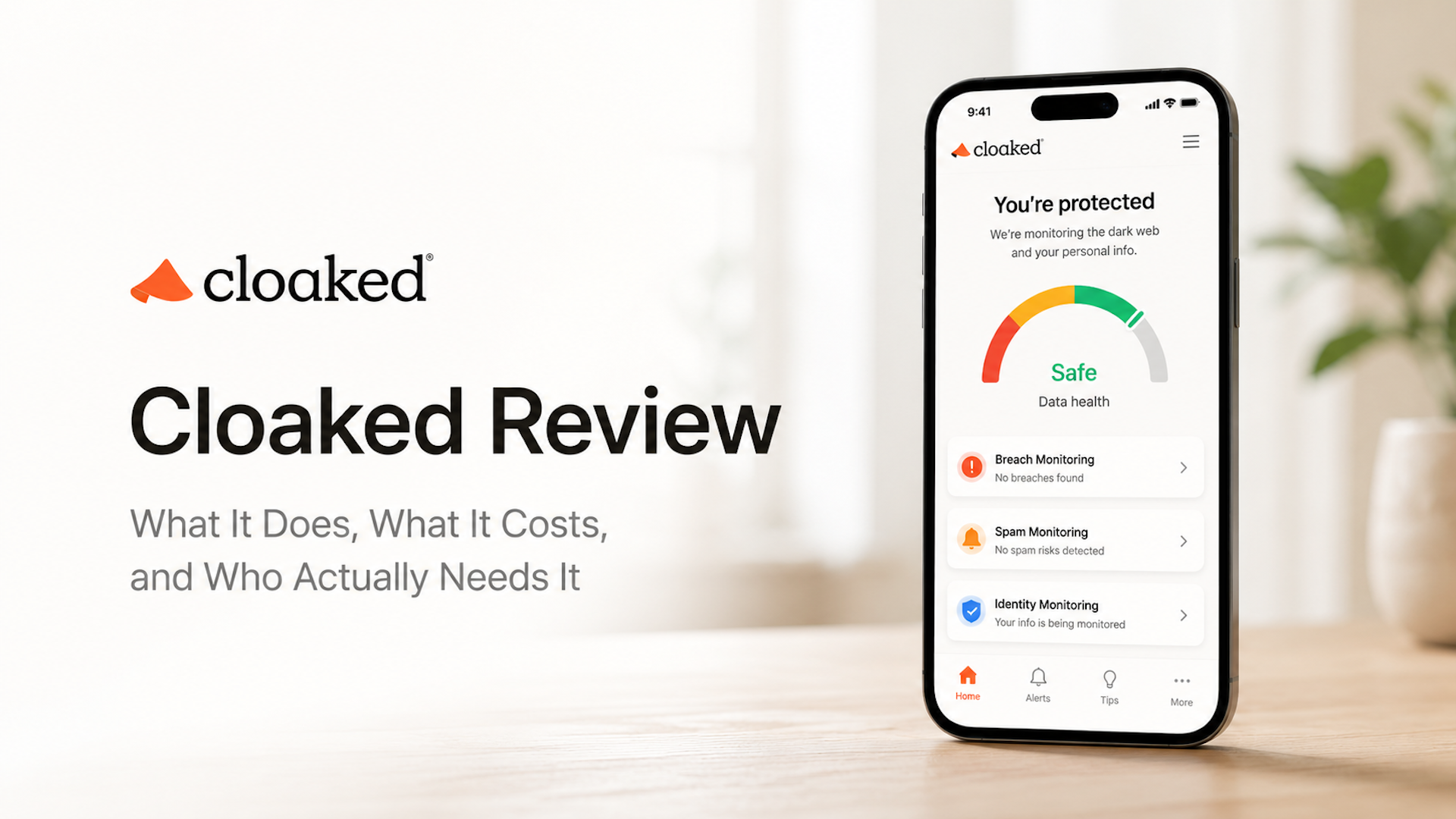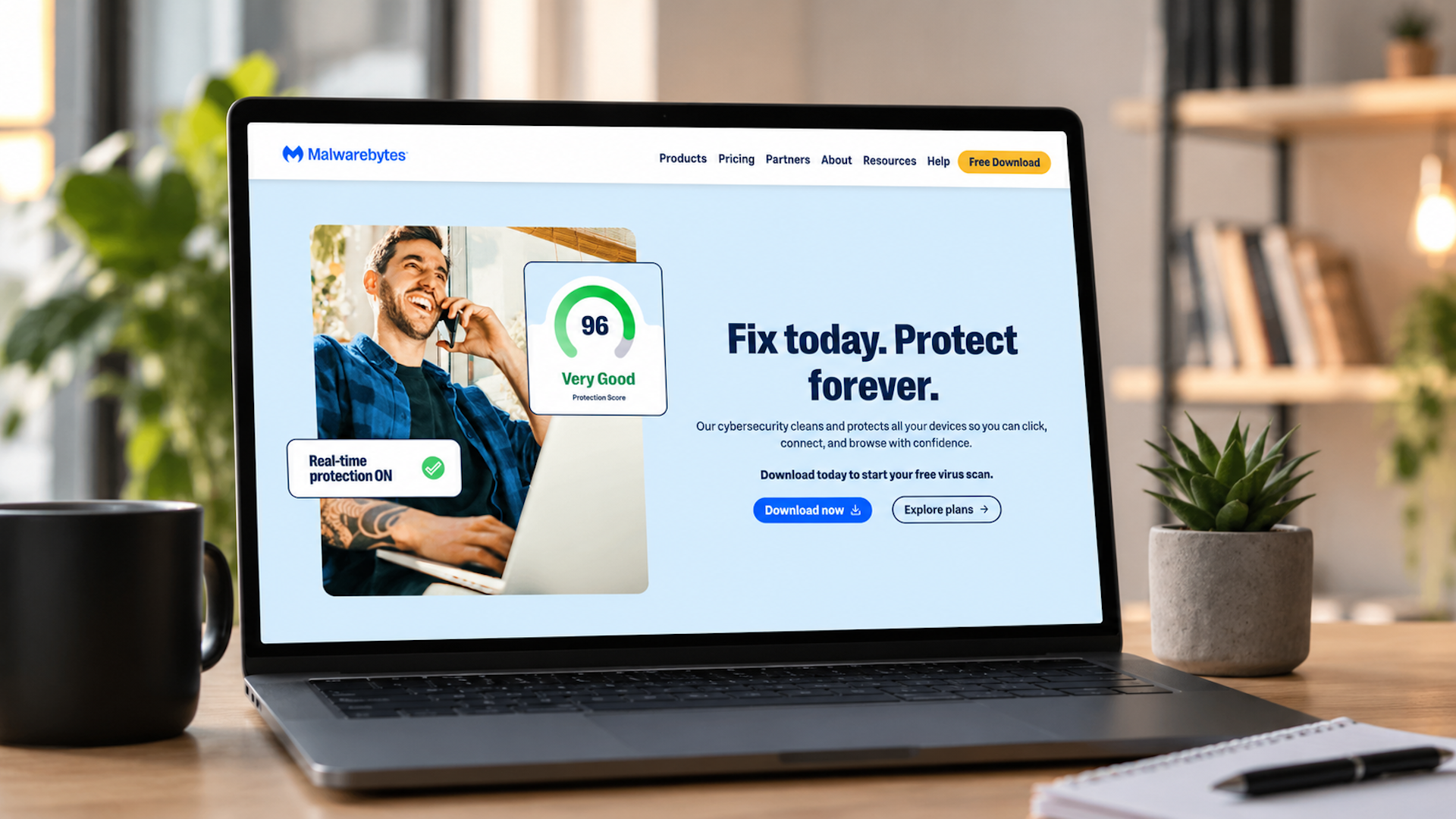
Malwarebytes is one of the most recognizable names in online security. For many people, it is the tool they think of when they hear “malware removal” or “antivirus.”
That reputation makes sense: their solutions cover device protection, scam and ad blocking, VPN, dark web alerts, identity theft protection, personal data removal, and support.
But it also means Malwarebytes may feel broader and more technical than what some users actually need.
Let’s break down what Malwarebytes does, how much it costs, where it helps, and why Futureproof may be a better alternative.
Table of Contents
What Is Malwarebytes?
Malwarebytes is a cybersecurity company that offers personal and business security tools. At its core, it’s a device protection tool.
It watches what’s happening on your computer or phone and stops threats before they cause damage. More recently, higher-tier plans have added a lot of upgraded features.
Depending on the plan, Malwarebytes offers:
- Antivirus and anti-malware protection
- Protection from malicious websites and scams
- Browser Guard for ads, scams, trackers, and suspicious sites
- VPN for private browsing
- Dark web and breach alerts
- Identity theft protection
- Credit monitoring and reporting
- Personal data removal from data broker sites
- Identity theft insurance
- 24/7 human support
This makes Malwarebytes more of an all-in-one cybersecurity service.
Malwarebytes Feature Breakdown: What You Get
1. Device Security and Malware Protection
This is the core Malwarebytes feature.
Malwarebytes Premium Security is built to protect devices from threats like malware, ransomware, harmful websites, and scams. Malwarebytes also explains that its free version is more of a cleanup tool for attacks that have already affected a device, while Premium Security is designed to stop threats in real time.
Best for: people who want traditional device security and malware protection.
2. Browser Guard
Malwarebytes Browser Guard comes with paid Premium Security plans. It works as a browser extension and helps block ads, trackers, suspicious websites, and pages known to deliver malware or viruses.
Best for: users who want safer browsing and fewer scam or ad-heavy pages.
3. VPN
Malwarebytes Plus and Ultimate plans include VPN protection. The VPN helps protect your Wi-Fi connection and make browsing more private.
Best for: people who want privacy protection bundled with device security.
4. Dark Web and Breach Alerts
Malwarebytes also offers dark web monitoring and breach alerts. Its dark web monitoring page says users can submit an email address, get a check for data breaches and exposed information connected to that email, and receive a report with recommendations.
Best for: users who want breach alerts inside a broader security tool.
5. Identity Theft Protection
Malwarebytes Identity Theft Protection focuses on bigger identity risks. It can include real-time monitoring, credit protection, live agent-supported identity recovery, and identity theft insurance depending on plan and location.
Best for: people worried that leaked information could turn into fraud or identity theft.
6. Personal Data Remover
Malwarebytes Personal Data Remover helps find and remove personal information from people-search sites and data brokers. Malwarebytes says it uses scans across 100+ data broker databases and offers automatic and guided removals, continued monitoring, progress reports, and confirmations.
Best for: people who want to reduce spam, robocalls, public data exposure, and broker listings.
Malwarebytes Pricing
Malwarebytes pricing can change based on promotions, device count, plan type, and region, so you should always check the checkout page before buying.
| Plan | Annual price | Devices | What’s included |
| Free | $0 | 1 | Manual scanning only, no real-time protection |
| Standard | $44.99/yr | 1 | Real-time protection, BrowserGuard |
| Plus | $79.99/yr | 3 | Everything in Standard + VPN |
| Ultimate | $139.99/yr (intro) | 3 | Everything in Plus + identity monitoring, data removal, recovery support |
Important: The Ultimate plan renews at $279.99/year — double the intro price. That’s a significant jump and worth knowing before you sign up.
Is Malwarebytes Worth It?
Once you look beyond the core security features, the value depends heavily on which plan you choose. Some important tools sit behind the highest tier, and the product may not give enough guidance after a data leak alert.
Pros
- Excellent malware detection — recent tests showed 100% threat blocking in real-world scenarios
- Lightweight — runs in the background without noticeably slowing down your device
- BrowserGuard is useful and works across all major browsers including Safari
- Strong reputation built over years
Cons
- The free version has no real-time protection. It only finds threats after they’ve already landed on your device
- Identity monitoring and dark web alerts are available in the Ultimate plan only — the most expensive tier
- The Ultimate plan’s renewal price doubles, which is easy to miss until the bill arrives
- iOS app is available only in the US, Canada, and parts of Central America
- Independent testing flagged 20 false positives — legitimate files occasionally get blocked
- After a breach alert, Malwarebytes tells you the breach happened but doesn’t explain what to do next
Malwarebytes is a solid choice if your main concern is protecting your devices from malware. But it focuses on your computer’s security — not around helping you understand what a data leak means for your accounts or what steps to take when one happens.
Futureproof: A Simpler Alternative When Malwarebytes Feels Like Too Much
Most people who get a leak alert don’t need antivirus software at that moment. They need someone to explain: what actually leaked, does it affect me, and what do I do right now?
That’s exactly what Futureproof was built for.
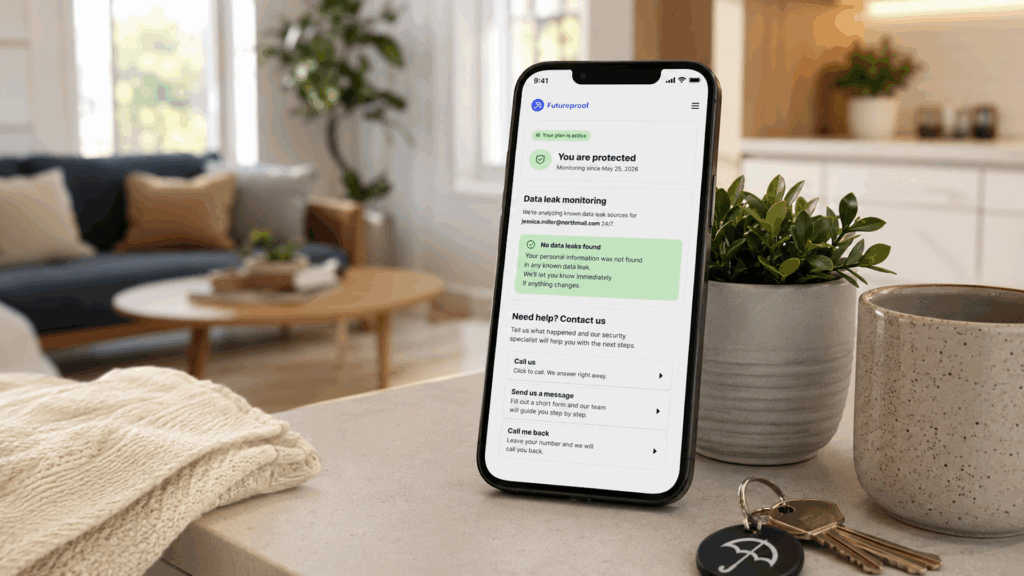
Futureproof monitors your email around the clock for data leaks and alerts you the moment something looks off. When it does, a real security specialist explains what happened and walks you through the fix in plain English.
You can also contact Futureproof’s support team for general digital safety questions any time, even without alert.
Think of it as having someone in your corner who understands online safety, available 24/7.
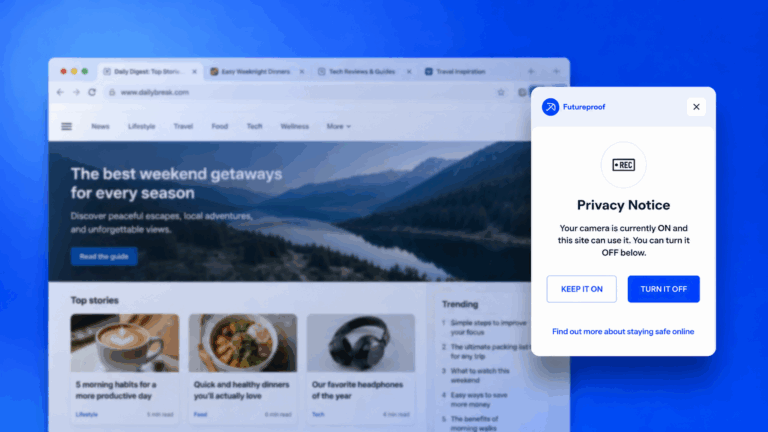
In addition, Futureproof offers a free Chrome extension that helps you control website permissions like camera, microphone, location, and notifications, and block unwanted access anytime. That adds a practical layer of everyday privacy without forcing you to dig through browser settings.
Malwarebytes vs Futureproof: How They Compare
| Feature | Malwarebytes | Futureproof |
| Main focus | Device protection from malware | Email data leak monitoring + clear guidance |
| After a breach alert | Notification only | Specialist explains your situation and gives you next steps |
| Human support | General customer support | 24/7 security specialist that answers any question |
| Real-time monitoring | Device threats | Email leaks |
| Pricing transparency | Renewal doubles on Ultimate | Straightforward subscription |
How Futureproof Is Better for Regular Users
1. Futureproof is easier to understand
Malwarebytes covers many areas: malware, scams, VPN, dark web alerts, identity theft, data removal, credit monitoring, and more. This makes this tool more specific and technical.
Futureproof is simpler. It focuses on one of the most common digital safety problems: your email may be at risk, and you need to know what to do next.
That makes the product easier for regular users to understand.
2. It connects alerts to practical action
A data leak alert is only useful if it leads to the right next step.
Futureproof is built around that exact moment. It helps you understand whether you should change a password, secure a specific account, set up two-factor authentication, or watch for scam attempts.
That is the part many people struggle with most.
3. It feels less overwhelming
Malwarebytes is powerful, but broad. For someone who just wants help with leaks, the number of features can feel like too much.
Futureproof is closer to a guided safety tool. It does not expect you to understand cybersecurity terms or manage a complicated dashboard.
4. It has a practical browser permission tool
Futureproof’s Chrome extension helps you see when websites have access to camera, microphone, location, or notifications. This is a simple but real privacy issue.
Many people click “Allow” once and forget about it. Futureproof makes those permissions easier to see and control.
Final Takeaway: Is Malwarebytes Worth It?
Malwarebytes is worth considering if you want a broad cybersecurity solution. It is especially useful for malware protection, safer browsing, VPN privacy, identity theft protection, credit monitoring, and personal data removal.
But if your main goal is simpler digital safety from data leaks, Futureproof is the better fit.
Ultimately, your choice should depend on the specific digital safety solution you’re looking for.

At Futureproof, Kevin explains digital safety in simple words, with clear tips and zero fluff. He holds a degree in information technology and studies fraud trends to keep his tips up-to-date.
In his free time, Kevin plays with his cat, enjoys board-game nights, and hunts for New York’s best cinnamon rolls.