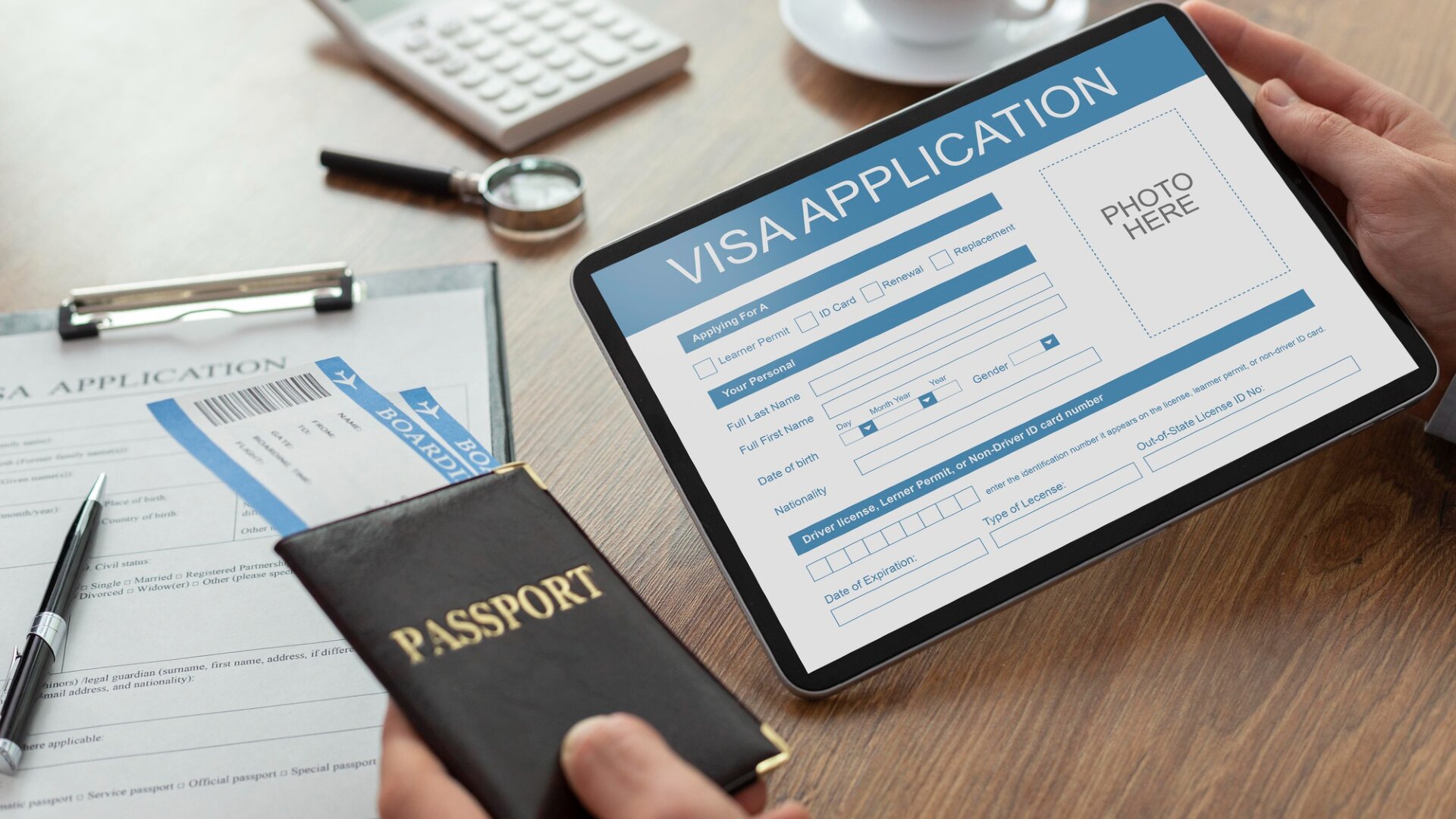
Thousands of passport copies and selfie photos uploaded to the UK Visa Portal were left online. Here’s what happened, what information was involved, and why it matters for your security.
Table of Contents
What Happened?
A cloud storage system is an online service that companies use to store files and data. The system was not properly secured, allowing people with the correct web links to access the files.
The website is not affiliated with the U.K. government. Some customers reportedly paid the company by mistake instead of applying through the official government website.
The UK Visa Portal has not said how long the information was available online or whether anyone accessed or downloaded the documents.
Who Was Affected and What Data Was Taken?
The person who reported the issue said at least 100,000 documents may have been accessible online.
The leaked information included:
- Passport images
- Selfie photos used for identity verification
- Photo location data in some images
In certain cases, location information is precise enough to reveal a person’s home address.
The company has not publicly said how many people were affected.
Information such as passport details, identity verification photos, and location data can be valuable to criminals. Scammers may use them in identity theft, impersonation attempts, phishing emails, or other forms of fraud months or even years later.
Many people focus on major breaches in the news but may not realize their information was involved in other incidents that receive less attention.
If you are not sure whether your information has appeared in data leaks, automatic monitoring can help you spot problems earlier.
Futureproof monitors your email 24/7 for data leaks and gives clear steps to secure your account from scams.
How Did the Data Leak Happen?
According to TechCrunch, the UK Visa Portal stored customer-uploaded passports and selfies in an Amazon-hosted storage system that was not properly secured.
A flaw in the website reportedly allowed others to view a list of stored files, making it easier to access customer documents.
This appears to have been a data leak caused by a security mistake rather than a cyberattack involving criminals breaking into company systems.
Futureproof monitors your information for data leaks 24/7 and guides you with clear steps to keep it safer from scams.
Run a free checkWhat This Leak Can Teach You
Most people only think about passwords when they hear about a data leak.
This incident shows that documents like passports and identity verification photos can be just as important. Unlike a password, you cannot simply create a new passport number whenever information is leaked.
According to the Federal Trade Commission (FTC), identity thieves can use stolen personal information to open accounts, commit fraud, impersonate victims, or access financial services. Incidents involving government-issued identification can create risks long after the original data leak is forgotten.
Even if you did nothing wrong, your personal information can still be affected when a company makes a security mistake. That’s why regularly checking for data leaks and securing your accounts can help you spot problems earlier.

3 Simple Steps to Protect Yourself After a Passport Leak
To better protect your personal information, follow these simple steps:
1. Watch for unexpected messages
Be careful with emails, texts, or phone calls that mention your passport, visa application, travel authorization, or upcoming trip.
Criminals can use leaked passport details to make phishing messages look legitimate and create a false sense of urgency.
If a message asks you to click a link, make a payment, or share personal information, contact the organization directly through its official website before taking any action.
2. Secure your email account
Your email account is often the key to your other online accounts, including banking, shopping, and government services.
If someone gains access to your email, they may be able to reset passwords and take control of other accounts linked to it.
Use a strong, unique password and turn on two-step verification. If you need help, the Futureproof Email Protection tool can guide you through the process and help you strengthen your account.
3. Be extra careful when sharing identity documents
Think twice before uploading your passport, driver’s license, or selfie to a website, especially if you have not used it before.
Fake websites can look nearly identical to legitimate ones and may collect sensitive documents for fraud or identity theft.
Before uploading any identity document, check that you are using the organization’s official website and not a third-party service you do not recognize.
Your Passport Data Can Stay Vulnerable for Years
Data leaks can create risks long after they disappear from headlines. The UK Visa Portal incident shows that even routine tasks like visa applications can put highly sensitive personal information at risk.
While you cannot prevent every company mistake, you can reduce your risk by staying alert to phishing attempts, securing your accounts, and monitoring where your personal information appears online.
If you’re not sure whether your information has appeared in data leaks, Futureproof’s automatic monitoring can help you identify potential risks early and give you greater peace of mind.

At Futureproof, Kevin explains digital safety in simple words, with clear tips and zero fluff. He holds a degree in information technology and studies fraud trends to keep his tips up-to-date.
In his free time, Kevin plays with his cat, enjoys board-game nights, and hunts for New York’s best cinnamon rolls.