Researchers warn browser extensions may secretly change downloaded files and install malware, meaning even ad blockers or AI assistants could pose risks. Here’s what the findings show and why it matters.
Table of Contents
When people install browser extensions, they often see them as simple add-ons that improve browsing. But these tools can also access and modify web content inside the browser.
Even legitimate downloads could be affected if a malicious extension interferes with the file before it runs.
To stay safer, install extensions from trusted developers, review extension permissions regularly, and keep your browser updated.
This guide explains what researchers discovered about browser extension risks and how you can protect your device and personal data.
What Security Researchers Found About Browser Extensions
In the test, a user downloaded a program from a legitimate website. Instead of launching the expected installation, the extension altered the file and executed different code.
In the research example, the modified program simply opened a calculator as a visual indicator. However, the same technique could be used to install malware, steal data, or give attackers remote access to a computer.
The experts explained that extensions can interact directly with web pages and downloaded files — capabilities that can be abused if the extension becomes malicious.
Why Browser Extensions Can Become a Security Risk
Some extensions start out harmless — but not all remain safe over time.
An extension may be malicious from the start, or it may become risky after an update.
This can happen if the extension changes owners or if a developer’s account is compromised and attackers release an update under the same trusted name.
Once updated, the extension may request additional permissions or continue operating with the broad access it already has. With these permissions, the extension can interact with websites you visit and, in some cases, interfere with downloaded files.
What an extension can do depends on the permissions it has. The broader the access, the more activity it can potentially perform behind the scenes.
Because browser extensions run quietly in the background, users may not notice anything unusual until a problem appears.
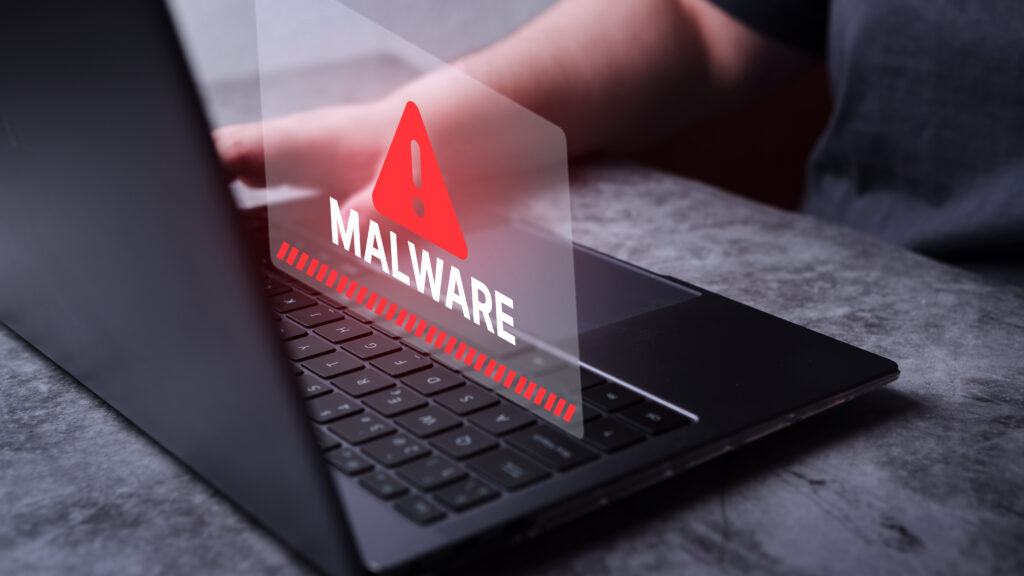
How Malicious Extensions Can Be Used in Attacks
Once installed, a malicious extension could potentially:
- modify downloaded files
- install hidden malware
- collect browsing activity
- redirect users to malicious websites
Because extensions often continue functioning normally, users may not realize anything unusual is happening.
This is why cybersecurity experts recommend installing browser extensions carefully and reviewing them regularly.
Futureproof monitors your information for data leaks 24/7 and guides you with clear steps to keep it safer from scams.
Run a free check5 Simple Ways to Reduce Browser Extension Security Risks
If you use browser extensions, a few basic habits can reduce security risks:
- Install extensions only from trusted developers
Check reviews, ratings, and publisher information before installing any extension.
- Limit the number of extensions you use
Keep the extensions you need to reduce potential exposure.
- Review extension permissions regularly
Look at what access each extension has, especially if it can read or modify all websites.
- Remove extensions you no longer use
Delete unused extensions to prevent unnecessary access to your browser.
- Keep your browser updated
Install browser updates regularly to benefit from the latest security fixes.
Futureproof helps you detect digital risks early and stay protected all year long. Start today for year-round peace of mind.
Check Your Browser Extensions Regularly — Even Helpful Ones Deserve a Second Look
Browser extensions can make browsing easier, but they also have powerful access to your browser and online activity.
If an extension becomes malicious or compromised, it could potentially affect downloads, browsing activity, or system security.
Reviewing installed extensions regularly, limiting permissions, and removing unnecessary tools can help keep your device and personal data safer.

At Futureproof, Kevin explains digital safety in simple words, with clear tips and zero fluff. He holds a degree in information technology and studies fraud trends to keep his tips up-to-date.
In his free time, Kevin plays with his cat, enjoys board-game nights, and hunts for New York’s best cinnamon rolls.