The holidays are full of warm moments worth sharing — but a few oversights can lead to privacy problems. This simple checklist helps you and your family share memories safely and confidently.
Table of Contents
Why You Should Be Careful Sharing Holiday Photos
Holiday photos capture the moments we want to remember — laughter around the table, kids in new pajamas, a cozy living room glowing with lights. They feel personal and safe.
But online, even the happiest photo can quietly reveal more than you intend.
When you post, you may be sharing:
- where you are
- who you’re with
- what your home looks like
- and when you’re not around
Right then, it doesn’t feel risky at all. But once a photo is public, you lose control over who sees it, saves it, or connects it with other information about your family.
Today we’ll look at what your family photos can reveal, how to do a quick privacy check, and simple ways to share more safely.
What Your Family Photos Say About You
A photo doesn’t just show a moment — it shows context.
Without realizing it, your family photos can reveal:
- home layouts, doors, locks, or security cameras
- school names, team logos, or daily routines
- travel timing that signals an empty house
- names on backpacks, trophies, or mail
- location data stored inside the image itself
Each detail seems small on its own. Together, they create a clear picture of you and your family’s habits, location, and schedule.
That’s what makes photos powerful — and sensitive.
Scammers use this kind of information to guess passwords, impersonate family members, create convincing messages, or time their attacks when no one is home. What looks like a harmless photo can quietly become a roadmap for fraud.
Before You Post: A Quick Family Photo Privacy Checklist
Before sharing any holiday photo, pause for 10 seconds and check:
- Can someone see inside my home?
- Can they tell where we live or where we’re traveling?
- Can people see kids’ names, schools, or uniforms?
- Does this show something we do every day?
- Is this photo sharing our location?
If anything feels off, crop the photo, blur details, or skip posting it publicly.
CISA advises limiting visible personal details online to reduce security and privacy risks.
Futureproof keeps your data safer with simple guidance to set a strong password, turn on 2-step verification, and lock down your account.
Check my safety7 Simple Steps to Share Photos More Safely
Here are easy steps to follow before you share:
- Share privately using family group chats or invite-only albums.
- Limit your audience to “Friends” or a custom list instead of “Public.”
- Turn off location tags in your camera and apps.
- Blur or crop sensitive details like addresses, mail, or school logos.
- Keep captions general — avoid locations and travel details.
- Post after you’re home, not while you’re away.
- Set family rules about what should stay private.
Most mistakes happen because sharing feels automatic.
Slow down, share with purpose, and keep family moments with the people you trust.
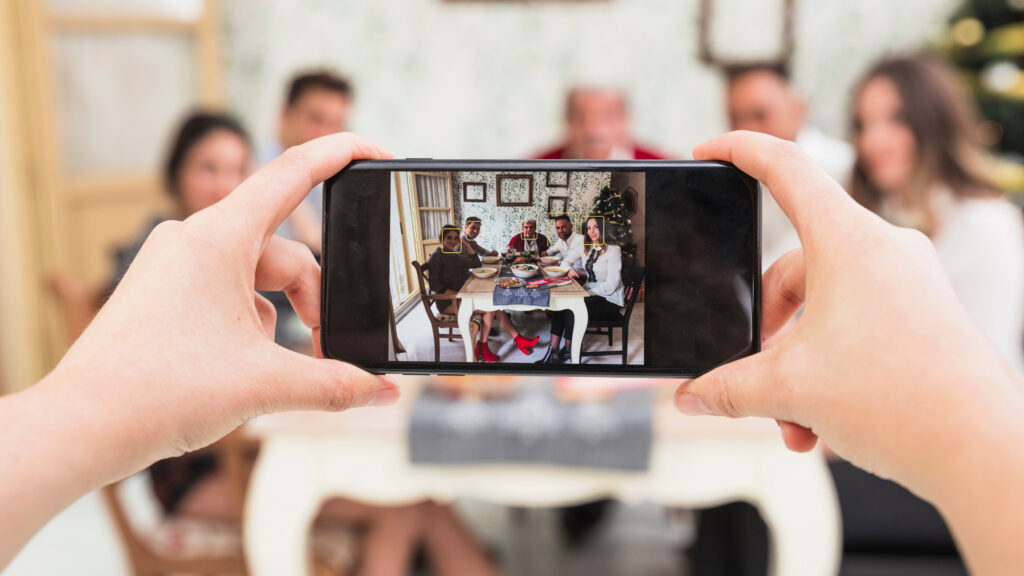
Why Sharing Privately Is Safer Than You Think
You don’t have to post publicly to share joy.
Private sharing keeps your photos out of search results, data scrapers (automated tools that scan public sites and collect images and information), and unfamiliar hands — while still letting the right people see them.
When you share privately:
- you control who sees your photos
- your photos don’t stay public forever
- small details are harder to collect and use against you
Key point: Public sharing is common, but private sharing gives you more control over your photos and your family’s information.
After the Holidays: The Clean-Up Step You Might Miss
Once the holidays pass, most photos stay online — forgotten but still visible.
A simple clean-up helps remove details you don’t need online anymore.
After the season ends, take some time to:
- review holiday posts from previous years
- remove photos that reveal too much detail
- check old albums and public highlights
- turn off unnecessary location history
Think of it like putting decorations away. The season ends, but the cleanup keeps things tidy and safe.
Futureproof keeps a constant watch on your data, helping protect you and your family from leaks during the holidays and all year long. Protect your information now and stay covered year-round.
Key Takeaway: Share the Memories — Not Your Family’s Data
Holiday photos aren’t risky because they’re joyful. They become risky when small details add up without anyone noticing.
Privacy mistakes don’t come from bad intentions. They happen when people share out of habit, without thinking. One photo rarely causes harm — patterns do. Over time, posts can reveal routines, locations, and when a home is empty.
The key lesson is this: treat photos as information, not just memories. Once something is online, it can travel farther than you expect.
When you pause before posting, choose private sharing, and clean up later, you keep control where it belongs: with you. Those habits don’t take time. They prevent problems and let you enjoy sharing without second-guessing, knowing your family’s moments — and your peace of mind — stay protected.

At Futureproof, Kevin explains digital safety in simple words, with clear tips and zero fluff. He holds a degree in information technology and studies fraud trends to keep his tips up-to-date.
In his free time, Kevin plays with his cat, enjoys board-game nights, and hunts for New York’s best cinnamon rolls.