Scanning a QR code feels like opening a door with a single tap. No typing, no thinking — just instant access. But scammers have learned how to hide traps behind that door. And sometimes, instead of a menu or payment page, you step straight into a scam.
What looks like an innocent black-and-white square can quietly redirect you to a fake website, trigger a malware download, or steal your personal data — often before you realize anything went wrong.
In this article, we’ll break down how QR code scams work, the most common types to watch out for, and safety tips to protect your data.
Table of Contents
What Is a QR Code Scam?
A QR code scam is a type of fraud where criminals use fake or tampered QR codes to trick people into visiting malicious websites or downloading harmful content. The ultimate goal is usually to steal personal information, financial details, login credentials, or gain unauthorized access to accounts.
QR codes don’t show their destination, so you only find out where they lead after scanning. This makes them an effective social engineering tool — one scan is often enough to expose sensitive data, trigger financial fraud, or compromise your device.
And this isn’t a rare threat. According to NordVPN, 73% of Americans scan QR codes without verifying them, and more than 26 million have already been redirected to malicious websites.
How Does This Scam Work?
QR code scams typically follow a structured process:
- Scammers create a QR code that leads to a harmful or deceptive link — something they can generate in minutes using free online tools.
- They place or distribute the QR code where it appears legitimate — such as emails, text messages, public signs, restaurant tables, parking meters, social media messages, or physical mail.
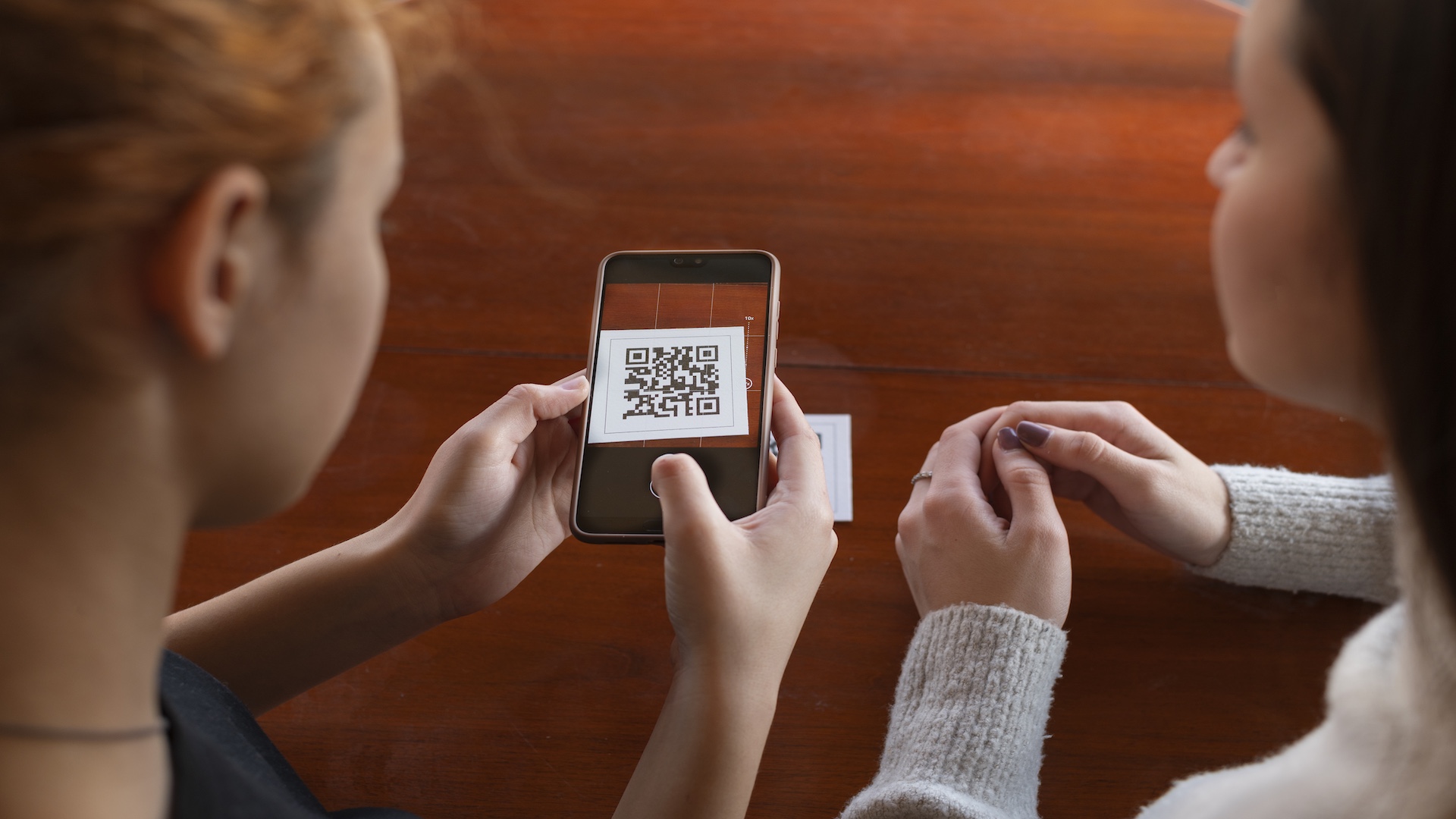
- A victim scans the QR code, and the phone displays the encoded URL.
- Tapping the link opens a fake or compromised website, often designed to look like a trusted service.
- The site requests sensitive information — such as passwords, payment details, or personal data — or installs malware in the background without the user noticing.
Any information you enter goes straight to the scammer, who can use it to take over accounts, steal your identity, or commit financial fraud.
Futureproof keeps your data safer with simple guidance to set a strong password, turn on 2-step verification, and lock down your account.
Check my safetyTypes of QR Code Scams
Quishing (QR Code Phishing)
Quishing is phishing carried out through QR codes. Instead of clicking a malicious link, victims scan a QR code that leads to a fake login page, payment portal, or account verification site.
Quishing commonly appears in:
• Phishing emails claiming failed payments or invoices
• Messages pretending to be from banks, retailers, or service providers
• Social media DMs sent from hacked accounts
Because email security tools can’t analyze QR codes the same way they do links, quishing is especially effective at bypassing traditional defenses.
Parking Meter and Contactless Payment Scams
Scammers place fake QR code stickers over legitimate ones on parking meters or payment kiosks. Victims are redirected to an official-looking payment page, where their credit card details are harvested and misused.

Restaurant Menu QR Code Scams
Fake or altered QR codes on tables, menus, or napkin holders redirect diners to spoofed websites. These sites may imitate the restaurant’s branding while requesting excessive personal or payment information.
Bogus Package Delivery QR Codes
Unexpected packages or delivery notices include QR codes for “returns” or “rescheduling.” Scanning them leads to phishing sites that collect names, addresses, account credentials, or credit card details.
Social Media QR Code Frauds
Scammers use compromised or fake social media accounts to send QR codes alongside curiosity-driven or alarmist messages. A single scan can redirect victims to unsafe content or initiate harmful downloads.
Unlike quishing, which focuses on phishing and credential theft, social media QR scams are broader in scope. These QR codes may lead to malware, fake apps, or other malicious sites — not just fraudulent login or payment pages.
Cryptocurrency QR Code Scams
Victims are instructed to scan a QR code to send crypto payments or invest in digital assets. The code leads to a scammer’s wallet or a fake investment platform — once funds are transferred, recovery is nearly impossible.
Fake QR Code Scanner Apps
Malicious apps posing as QR scanners install malware on devices. These apps may request excessive permissions and steal banking credentials, passwords, or monitor user activity.
QR Code Safety Tips to Avoid Scams
While you can’t always tell if a QR code is dangerous at a glance, a few smart habits can dramatically reduce your risk of falling for a fake one.
Follow these QR code safety rules:
Preview the link before tapping
After scanning, your phone will show the destination URL. Take a moment to review it. Be cautious of shortened links, misspelled domains, or websites you don’t recognize.
Only scan QR codes from trusted and expected sources
Avoid scanning codes from random emails, social media messages, flyers, or unexpected packages. According to the United States Postal Inspection Service, you should always pause and ask yourself where the QR code came from and who sent or posted it.
Watch for urgency and pressure tactics
If a QR code pushes you to act immediately — claim a prize, fix an account issue, or make a payment — it’s a major red flag. If the code is unexpected or creates urgency, don’t scan it. Instead, visit the organization’s official website directly or contact them using verified contact information.
Look for signs of tampering
Scammers often place stickers over legitimate QR codes. If the code looks taped on, misaligned, damaged, or altered, don’t scan it.
Be cautious with QR codes in public places
Parking meters, restaurant tables, and posters are common targets because QR codes in these locations are easy for scammers to replace or modify.
Examine the website carefully
Red flags include spelling mistakes, unprofessional design, low-quality images, or requests for sensitive information. Legitimate sites use HTTPS and display a padlock icon in the address bar.
Never download a QR code scanner app
Your phone’s camera already scans QR codes. Third-party scanner apps are often used to deliver malware.
Keep your device protected
Make sure your operating system, browser, and security software are up to date. Protective tools can warn you about malicious links or phishing attempts before damage is done.
Futureproof monitors your data for leaks 24/7, identifies weak spots, and helps you fix risks early before they turn into real harm. Start protecting your information year-round today.
The Bottom Line: One Pause Beats Any QR Code Scam
QR codes are designed for convenience — and that’s exactly what scammers exploit. The good news is that most QR code scams are easy to avoid. Pause for a moment, question unexpected codes, and stick to basic safety habits. That single pause removes what scammers rely on most: impulsive clicks.
Staying alert isn’t optional anymore; it’s essential. One second of scrutiny can save you weeks, months, or even years of recovery. Slow down, verify, and if something feels off — don’t scan.

At Futureproof, Kevin explains digital safety in simple words, with clear tips and zero fluff. He holds a degree in information technology and studies fraud trends to keep his tips up-to-date.
In his free time, Kevin plays with his cat, enjoys board-game nights, and hunts for New York’s best cinnamon rolls.