When we think about hot weather, we worry about ourselves — seeking shade, water, sunscreen.
But our devices? They’re often left to “cook” without a second thought.
A phone on a sunny dashboard, a tablet charging by a bright window, a laptop running a video call on the porch — all harmless at first glance. Yet these everyday moments can quietly drain years from a battery’s life.
Have you ever had this happen?
- The road-trip shutdown — GPS running on a sunny windshield mount, the phone dims, then shuts off right when you need directions most.
- The beach-bag bake — Phone tucked in a dark bag on hot sand; by afternoon it’s hot, charging slows, and the battery drains faster for weeks afterward.
- The porch video call — A long FaceTime with grandkids outdoors, the phone gets hot, the call stutters, and it refuses to charge until it cools.
- The pillow charge — Overnight charging under a pillow, and in the morning the phone feels hot — and now runs out of battery hours earlier than it used to.
Different situations. Same result.
Heat — not age — is the #1 silent killer of smartphone batteries. And the worst part? Most of the damage happens in everyday moments we don’t even think about.
Why Heat Damages Batteries
Most smartphones use lithium-ion batteries. They’re happiest in a comfortable range — about 59–77°F (15–25°C).
When a battery gets hotter than 86°F (30°C), chemical wear begins to accelerate. At sustained temps over 95°F (35°C), degradation speeds up noticeably, and above 113°F (45°C) permanent capacity loss can happen in days or even hours.
When a battery gets hot:
- The chemical “inside work” speeds up and breaks down faster.
- Internal resistance rises, so the battery becomes less efficient.
- Capacity can be lost permanently — even after the phone cools down.
Once heat damage is done, you cannot “repair” the battery by cooling it. Prevention is the only real fix.
Futureproof monitors your information for data leaks 24/7 and guides you with clear steps to keep it safer from scams.
Run a free checkTable of Contents
Top-10 Everyday Overheating Traps We Often Don’t Notice
- A parked car
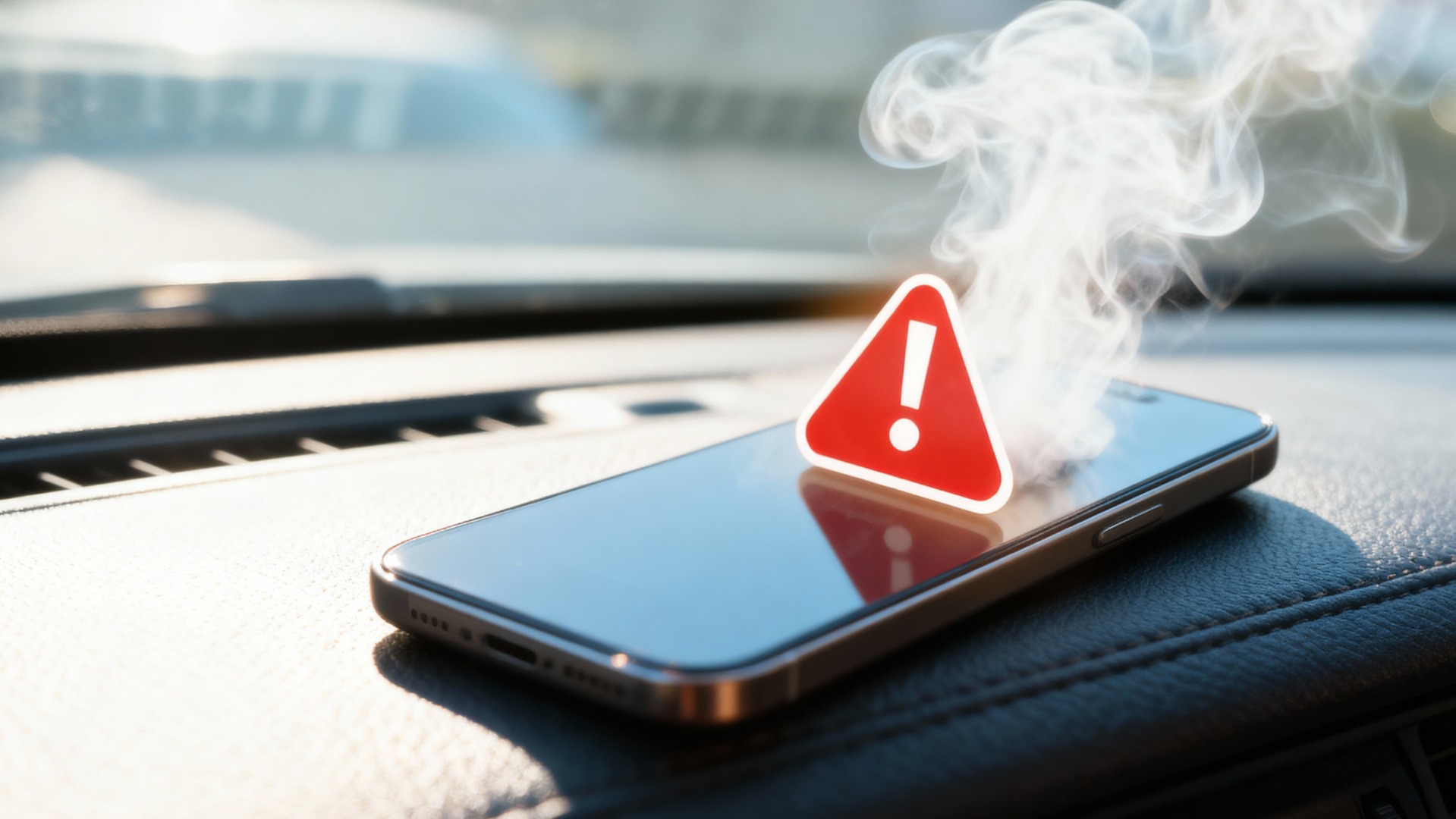
Even on a mild day, the inside of a parked car can soar quickly. In summer, it can reach well above 120–130°F. A single afternoon can take months off your battery’s life.
Better choice: Take the phone with you, or power it down and keep it out of the sun. - Window sills and dashboards
Charging or leaving a phone by a sunny window (or on a car dashboard) bakes it like an oven.
Better choice: Charge in the shade, away from direct sunlight. - GPS in direct sun
Navigation heats your phone two ways: the processor works hard, and the sun hits the screen and case.
Better choice: Mount it out of direct sunlight; reduce screen brightness when possible. - Charging under pillows, blankets, or in bags
Charging creates heat; covering the phone traps it.
Better choice: Charge on a hard, flat surface with air around it. - Video calls, streaming, or gaming outdoors on hot days
These push the processor and raise temperature fast, especially outside.
Better choice: Save heavy use for cooler places or take breaks to let the phone rest. - Thick or rugged cases during charging
Some cases trap heat.
Better choice: If the phone feels warm, remove the case while charging or during heavy use. - Wallet cases in the sun
Dark leather absorbs heat and warms the phone.
Better choice: Keep it shaded; open the cover to let heat escape. - Warm-weather walks with the phone in a tight pocket
Body heat + summer heat = slow “cooking.”
Better choice: Carry it in a bag with airflow or a loose pocket; avoid direct sun. - Wireless charging on a hot day
Wireless charging runs warmer than a good wired charger.
Better choice: In the heat, use wired charging and stop at 80%. - Power banks jammed in soft cases
A power bank and phone warming each other in a closed pouch can overheat both.
Better choice: Give them space and ventilation; don’t charge in enclosed fabric sleeves.
Warning Signs Your Phone Is Too Hot
- It feels uncomfortably warm in your hand.
- The screen dims by itself.
- You see a temperature warning.
- Charging slows or pauses (“Charging paused: device too hot”).
- The battery level drops in sudden jumps (for example, 30% → 15%).
- The phone shuts down on its own and won’t charge until it cools down.
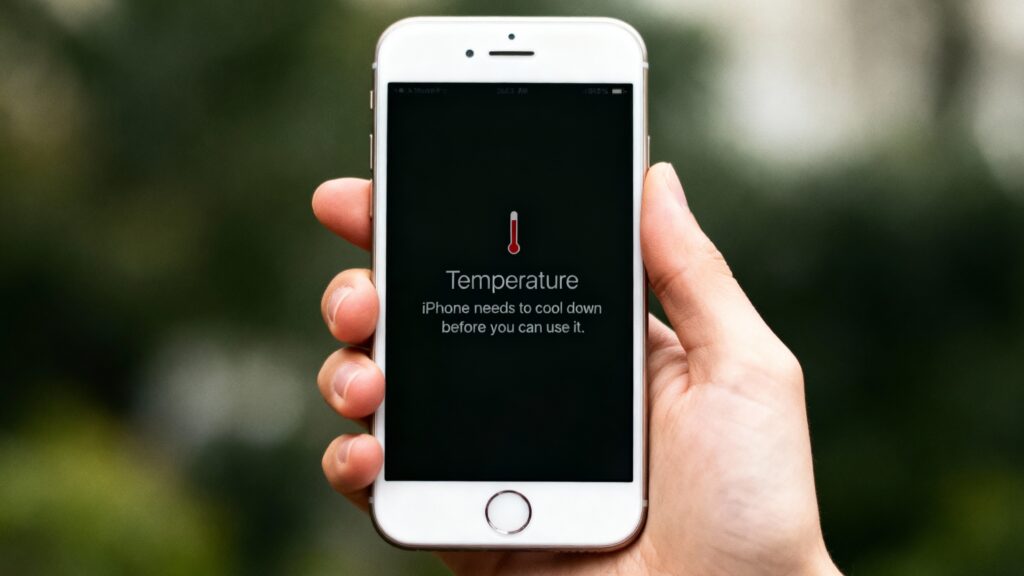
What To Do Right Now if Your Phone Overheats
- Unplug it — Stop charging immediately.
- Remove the case — Let heat escape.
- Move to shade / a cool room — Avoid direct sun, cars, windows.
- Reduce the workload — Close the hot app (GPS, video, game); lower brightness.
- Airplane mode or power off — Let it rest until it cools to the touch.
- Do not “shock cool” — No freezer, no fridge; rapid cooling can cause condensation inside.
- Resume charging later — Use a cool, ventilated spot; avoid 100% holds.
Myth Busters: Don’t Fall for Them
Myth #1: “If it overheats, put it in the fridge.”
Truth: Rapid cooling can create moisture inside the phone. Let it cool at room temperature.
Myth #2: “No warning means no problem.”
Truth: Damage begins long before the on-screen alert. If it feels hot, treat it as a risk.
Myth #3: “Force-quit every app to fix heat.”
Truth: Constantly force-quitting can backfire. Close only heavy apps causing heat (navigation, camera, streaming, games), lower brightness, and let the phone rest.
Your Heat Safety Checklist
The same way cold can be a fast drain on your smartphone battery (and comes with its own cold safety checklist), heat is even worse — it can cause long-term battery damage that doesn’t bounce back.
That’s why these heat do’s and don’ts matter:
Do
- Keep the phone out of direct sun.
- Charge in a cool, ventilated place.
- Remove thick cases when charging or gaming.
- Take breaks during heavy use on hot days.
- Prefer wired charging in heat; stop around 80–90%.
Don’t
- Leave the phone in a parked car or on a sunny dashboard.
- Charge under pillows, blankets, or inside bags.
- “Shock cool” in a fridge or freezer.
- Run GPS/video/games in direct sun without breaks.
- Keep a phone and power bank pressed together in a tight sleeve.
Early Signs of Heat Wear (Time to Change Habits)
- The battery drains faster than it used to — even in normal weather.
- Percentage jumps are erratic.
- More frequent “too hot to charge” messages.
- Sudden shutdowns at 10–20%.
If you see these, treat heat as the likely culprit and try to change your habits.
Key Takeaway: If It’s Too Hot for Your Hand, It’s Too Hot for Your Phone
Your phone won’t warn you before the damage is done.
You’ll only notice heat’s effects when the battery drains faster, charges slower, or shuts down without reason — and by then, it’s permanent.
Treat heat like water damage: once it happens, you can’t reverse it. You can only prevent it.
Keep your phone shaded, give it air, and take breaks from heavy use. A little care in hot weather can give years of life for your battery — and phone ready when you need it most.
That’s how you stay Futureproof

At Futureproof, Kevin explains digital safety in simple words, with clear tips and zero fluff. He holds a degree in information technology and studies fraud trends to keep his tips up-to-date.
In his free time, Kevin plays with his cat, enjoys board-game nights, and hunts for New York’s best cinnamon rolls.