Scams aren’t random anymore. They’re personalized. In 2026, scammers won’t just send fake emails and hope for the best — they’ll use your real data, your habits, your voice patterns, your routines, and even your family stories to make their scams feel normal.
And that quiet confidence — “this won’t happen to me” — is exactly what they’re betting on.
Here’s how the new wave of fraud is shifting, what’s coming next, and what you can do now so 2026 doesn’t become the year someone else quietly takes control of your money, accounts, or identity.
Table of Contents
1. The “Bank Fraud Department” Scam — Smarter, Faster, and Tailored to You
intro
How It Works
This one is evolving into a hyper-personalized attack.
You get a call, text, or in-app notification that:
- Looks like your real bank number.
- Includes the last digits of your real account or card.
- References a real recent transaction.
- Sounds like a real agent — calm, professional, scripted.
They’ll warn you with a message: “There’s suspicious activity. To protect your funds, we’ll move your money to a ‘safe’ account.”
Behind the scenes:
- They’re using leaked data from massive databases to sound convincing.
- They may push you to install remote-access or “security” apps so they can see your screen and control your banking session.
- They pressure you to act immediately so you don’t verify independently.
Reality Check
Real banks:
- Do not ask you to move money to a “safe account.”
- Do not ask you to install apps so they can “help” you move money.
- Do not ask for full passwords, full card numbers, or codes from your authentication app.
How to Stay Safe
- Hang up. Call back. Use the number on your card or bank app — never the one that just called you.
- Refuse remote control. If “support” wants to control your phone or computer during a “security check” — stop.
- Lock it down. Turn on 2-step verification for banking and email. This blocks a huge portion of account-takeover attempts.
- Pause under pressure. Any “right now or you lose everything” message = treat as a red alert, not a reason to rush.
2. Fake Job & “Easy Money from Home” Scams — Task Apps, Side Gigs, and Fake Portals
In 2026, scammers won’t only pretend to be big brands. They’ll mimic gig platforms, survey apps, “Partner programs” and micro-task sites that pay you for ratings or clicks.
How It Works
You see:
- An offer to earn money “reviewing products,” “testing apps,” or “doing 10-minute tasks.”
- A professional-looking website, logo, even a contract.
Then they ask you to “top up” a balance, pay a “security deposit,” or “unlock higher levels” by sending money. Or they request your ID, bank login, or card “for payouts.” Or they send a fake check and tell you to send part of it back before it bounces.
Reality Check
In 2026, real employers and platforms:
- Don’t charge you to start.
- Don’t lock your “earnings” behind extra payments.
- Don’t need your online banking password to “send money.”
How to Stay Safe
- Search outside their world. Look up the company name + “scam” + “reviews” on your own (not through links they send).
- Zero upfront payments. If you must pay to work, it’s not work. It’s a scam.
- Be suspicious of text-only “interviews.” If everything happens in WhatsApp/Telegram with no verifiable domain, HR contact, or video call, walk away.
- Guard your documents. Don’t send passport, SSN, or full ID scans to unknown platforms.
Futureproof monitors your information for data leaks 24/7 and guides you with clear steps to keep it safer from scams.
Run a free check3. AI “Family Emergency” Scams — When Their Voice Isn’t Really Theirs
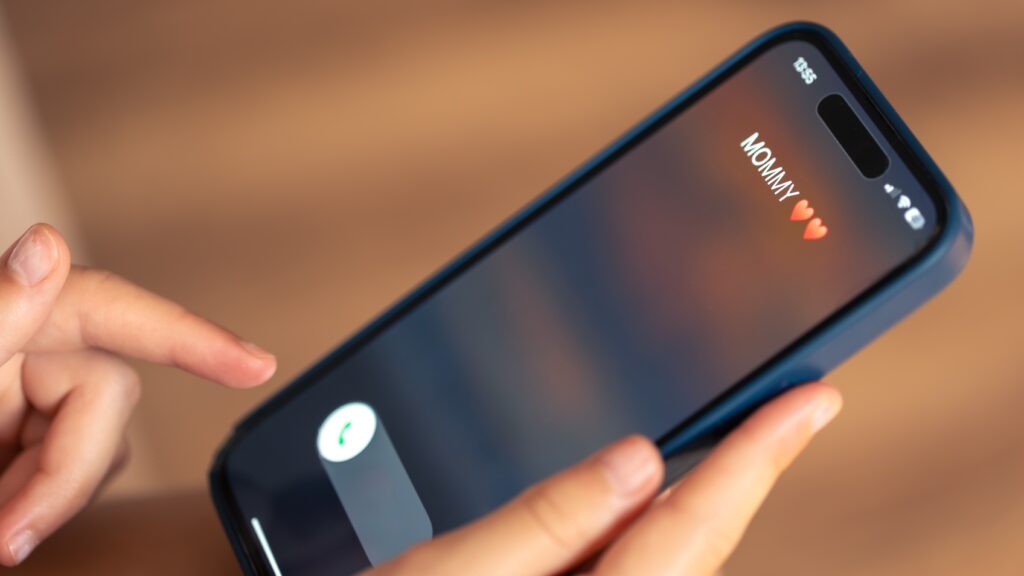
By 2026, voice-cloning and AI videos will be even easier and cheaper to make. Criminals won’t need hacking skills — just a few seconds of someone’s voice from social media stories, a podcast, a voicemail greeting, or a video from a family event.
How It Works
You get:
- A call that sounds exactly like your child, sibling, or close friend.
- A shaky, emotional story: accident, arrest, hospital bill, urgent fee.
- Instructions to send money via wire, crypto, gift cards, or a “lawyer” account.
- Pressure not to “tell anyone” because it’s sensitive or embarrassing.
Reality Check
The emotional shock is the weapon. The technology simply makes it believable.
How to Stay Safe
- Use a family “safe word.” Something simple, shared in advance. No code word? Pause.
- Hang up and verify. Call them back on their usual number. Or call another relative to confirm.
- Never act alone in secret. If someone says “don’t tell anyone” — that’s your sign to tell someone.
- Limit public audio. The less of your family’s voices are publicly available, the harder they are to clone.
4. Digital Identity Takeover — They Build “You” Out of Your Data
In 2026 the bigger, quieter danger will be full digital identity takeover — using pieces of your data to become “you” online.
How It Works
Scammers combine:
- Old data breaches (emails, passwords).
- Social media posts (birthday, kids’ names, pets, city).
- Public records (business, property, licenses).
- Phishing forms and fake “verification” pages.
With enough fragments, they can:
- Open accounts in your name.
- Redirect your deliveries or reset important logins.
- Apply for loans or payment plans tied to your details.
- Take over your email, then every connected service.
Reality Check
This doesn’t always start with one big hack. It starts with:
- “Little” oversharing,
- A reused password,
- A fake login page you don’t remember,
- A form you filled too quickly.
How to Stay Safe
- Treat personal details as keys, not trivia. Birth dates, maiden names, schools, pets — don’t reuse them as passwords or security answers.
- Lock core accounts first. Email, banking, app stores, cloud storage — use strong, unique passwords + 2FA everywhere.
- Watch for new accounts in your name. Check your credit, bank statements, and email for “welcome” messages you didn’t trigger.
- Use alerts where possible. Many banks, credit services, and security tools can flag unusual activity with your data.
5. The Device & Password Trap — 16 Billion Keys on the Table
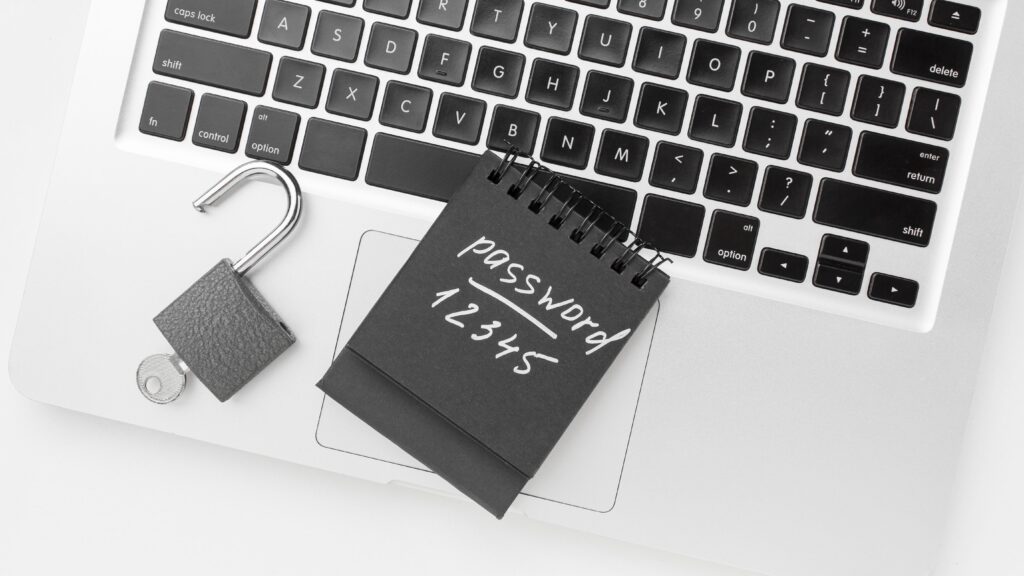
Scammers don’t always need creativity. They just need you to reuse the same password — everywhere.
Recent investigations found massive collections of stolen logins (in the tens of billions), pulled from old breaches and malware that quietly steals passwords from infected devices. That pile is a buffet for criminals.
How It Works
- One site you use gets breached.
- Your email + password combo lands in a giant list.
- Bots try that same combo on your email, shopping accounts, social media, cloud storage, banking and payment apps.
- If it works once, they log in quietly, add new devices, forward your emails, and reset other accounts from there.
Reality Check
If you reuse passwords, one leak = many broken doors.
How to Stay Safe
- One account, one password. Think of each as a separate key.
- Use a password manager or notebook. Whatever helps you keep passwords in one place.
- Turn on 2-step verification everywhere you can.
- Check for strange activity:
- New devices you don’t recognize,
- Password reset emails you didn’t request,
- Messages sent “from you” that you never wrote.
- If in doubt, reset. If you suspect a leak, change that password everywhere it was reused.
With Futureproof, you can browse safely knowing we scan your data 24/7 for potential leaks. You’ll get instant alerts plus simple instructions to lock down your accounts in minutes.
Final Thought: Don’t Fear the Future — Outsmart It
Fraud in 2026 will be more personal, more emotional, more automated, and less obvious. But that doesn’t mean it’s unstoppable. Most scams still fail when you slow down, double-check instead of trusting the first message, use strong passwords and 2-step verification, and know what’s really going on out there.
Share this with your parents, your partner, and your friends. The more they know what 2026 scams look like, the harder it is for criminals to win. And if you’re using the Futureproof tools to track leaks, lock down settings, and get plain-English guidance — keep going. Protection is not a one-time task. It’s a habit.
Stay sharp. Stay kind. Stay one step ahead.

At Futureproof, Kevin explains digital safety in simple words, with clear tips and zero fluff. He holds a degree in information technology and studies fraud trends to keep his tips up-to-date.
In his free time, Kevin plays with his cat, enjoys board-game nights, and hunts for New York’s best cinnamon rolls.