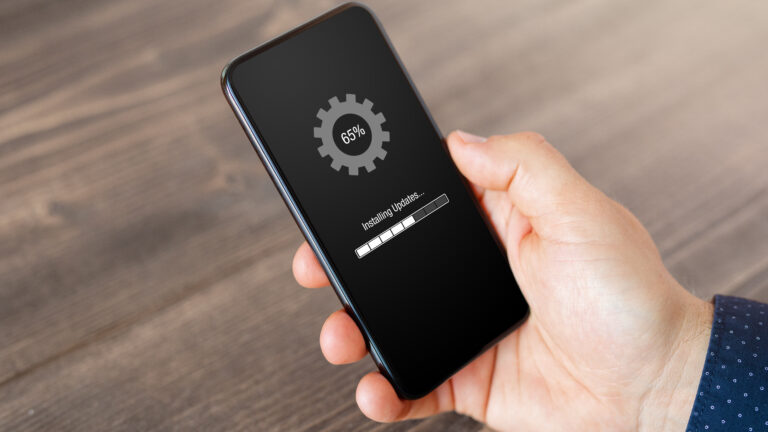
Have you noticed that your phone’s battery doesn’t last like it used to?
Maybe you could go all day without charging, but now you’re looking for a charger by lunchtime. Charging a phone has become so routine, we rarely think about how we do it — yet the way you charge can slowly wear your battery out.
Table of Contents
The good news: there’s one simple rule that can add years to your battery’s life. Keep it between 20% and 80% most of the time if your phone has a smart charging feature.
Why Batteries Don’t Last Forever
Every phone battery has a limit to how many times it can be charged and used.
Manufacturers measure this in “charge cycles.” One cycle means going from 0% to 100%, then back to 0%.
Most modern smartphones use lithium-ion batteries, and they last about 300–500 full cycles — roughly 2–3 years — before they start to lose strength. After that, they may run out quickly, shut down without warning, or need expensive replacement.
Your Battery’s Safe Zone: 3 Things to Know
0% Hurts Your Battery
When your phone says 0%, it’s not truly empty — there’s a little reserve to protect it.
But if it stays that low for too long, the battery chemistry starts to break down. This can cause permanent damage, and in some cases, the battery might not charge at all.
Better choice: Plug in when you see 20–30%, and don’t wait until your phone dies.
100% Isn’t Efficient
Charging to full pushes the battery into a high-voltage state.
Once it hits 100%, your phone keeps giving it tiny bursts of power (a “trickle charge”) to make up for natural drain — meaning it’s still working when it should be resting.
Leaving it at 100% for hours makes it wear out faster.
Better choice: Unplug around 80–90% to keep stress low and lifespan high.
20–80% Is Perfect
Your battery wears out fastest when you let it get too low or charge it all the way to full too often.
Keeping it between 20% and 80% avoids this extra strain and slows down aging.
Think of it like a gas tank: you don’t want to drive until it’s bone dry, but you also don’t need to fill it right to the top every single time.
Futureproof keeps your data safer with simple guidance to set a strong password, turn on 2-step verification, and lock down your account.
Check my safetyHow Charge Cycles Really Work
A “full cycle” isn’t just one plug-in session. It’s adding up the percentages until they total 100%.
Example:
- Charging from 20% to 70% = 50% of a cycle.
- Do it twice in a day = 1 full cycle.
The less time your battery spends outside the 20–80% range, the slower those cycles add up — and the longer your battery lasts.

Top-Up Charging Is Fine
Some people worry that charging more than once a day will hurt the battery. The truth is, short “top-up” charges are fine — and can even help.
If you avoid going below 20% and staying at 100% for hours, topping up keeps the battery in its safe zone and reduces wear.
Charge Smarter, Not Harder: 3 Overlooked Tips That Work
1) Use Original or Certified Chargers
Knockoff chargers may damage your battery and even cause fire.
Always use the charging cable and plug that came with your phone, or one recommended by your phone’s manufacturer.
2) When Traveling — Charge Safe
Carry Your Own Cable and Wall Adapter
Public USB charging ports in airports, hotels, or cafes can be risky because of ‘juice jacking’ that scammers use to steal your private data.
Bring a Good Power Bank
Look for models with overcharge protection and easy-to-use buttons.
Check Your Battery Health
- On iPhone: Go to Settings → Battery → Battery Health & Charging → Maximum Capacity
- On Android: Settings → Battery → Battery Usage or Device Care (options differ by brand)
3) Keep Charging Ports Clean and Clear
Dust, lint, or debris inside your phone’s charging port can block the connection, slow charging, or cause the cable to heat up:
- Use a soft, dry brush or compressed air to gently clean the port every few months.
- Never use metal objects (like pins or paperclips), as they can damage the contacts or cause a short circuit.
When to Charge / When Not To
Here’s a simple guide for you to remember:
| Action | Battery Level |
| Charge | 20–30% |
| Unplug | 80–90% |
| Avoid | Below 20% and at 100% for long periods |
Key Takeaway: Stick to the Golden Middle
For the longest battery life, avoid both extremes.
Keep your phone’s charge in the golden middle — between 20% and 80%.
This simple habit reduces stress on your battery, slows down wear, and keeps your phone ready when it matters most.

At Futureproof, Kevin explains digital safety in simple words, with clear tips and zero fluff. He holds a degree in information technology and studies fraud trends to keep his tips up-to-date.
In his free time, Kevin plays with his cat, enjoys board-game nights, and hunts for New York’s best cinnamon rolls.